Add Spread To TP
How to add spread to your take profit
17 October 2025
Step 1
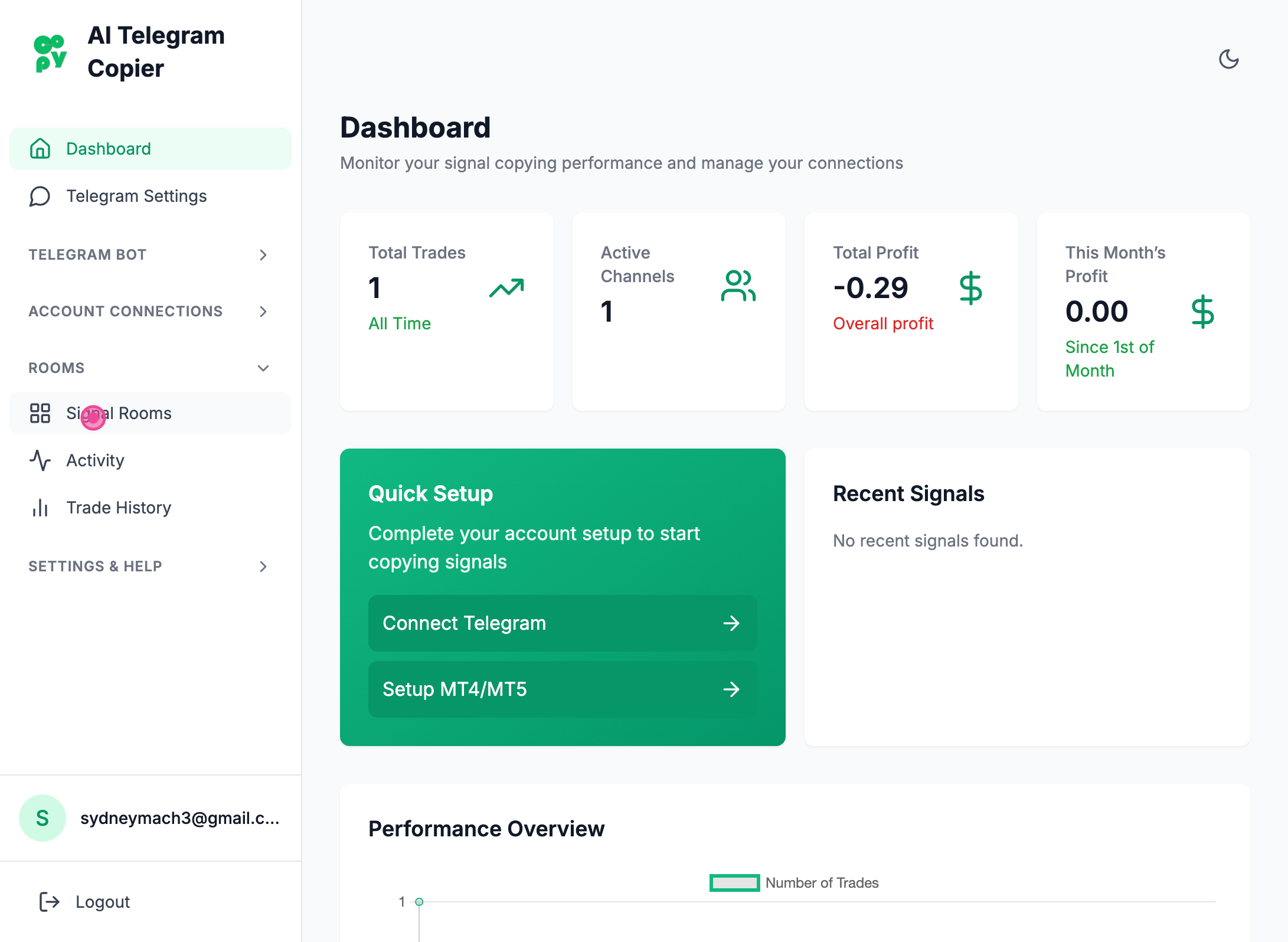
First step is to click on Signal rooms
Step 2
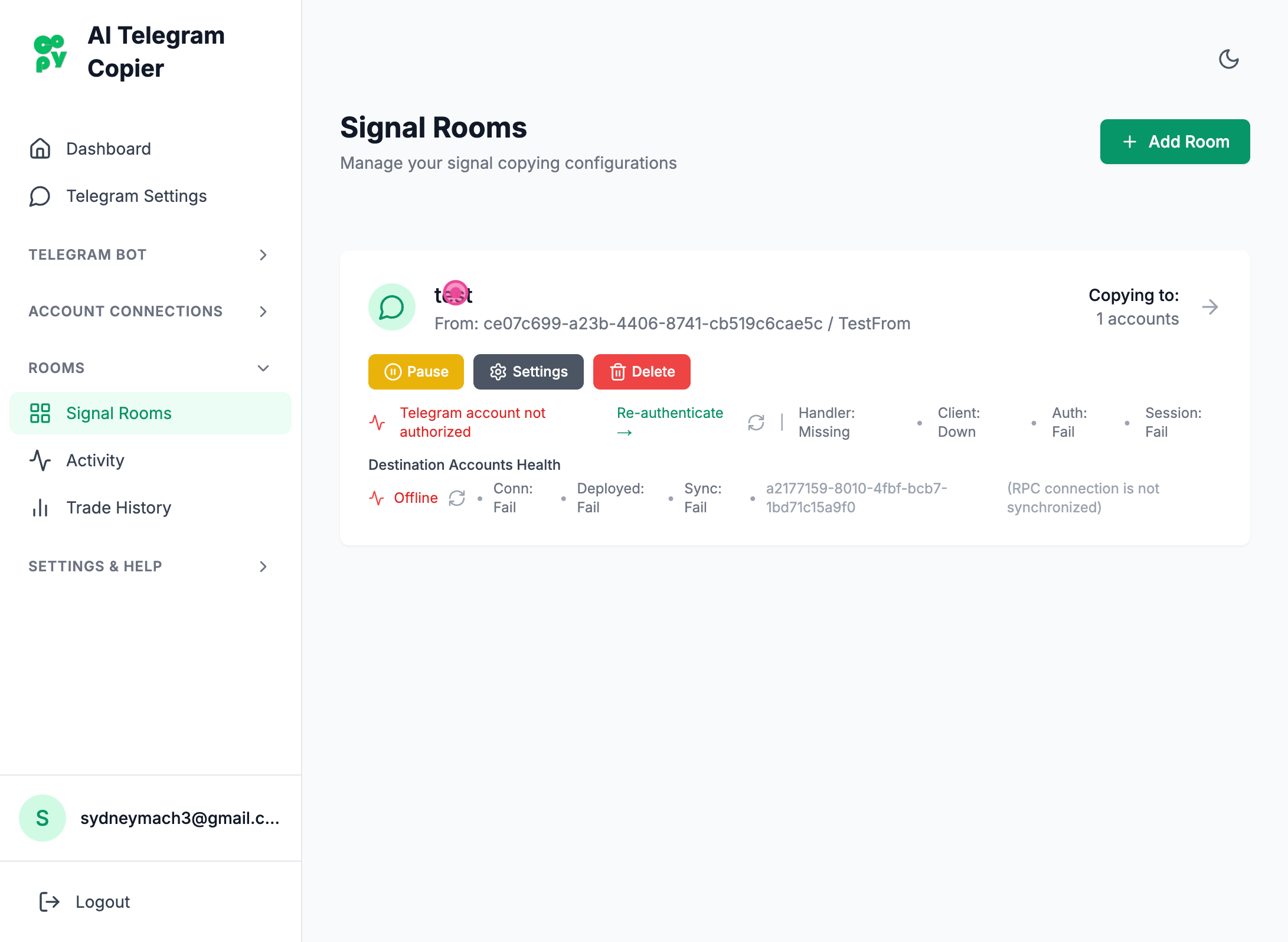
And then click on the room
Step 3
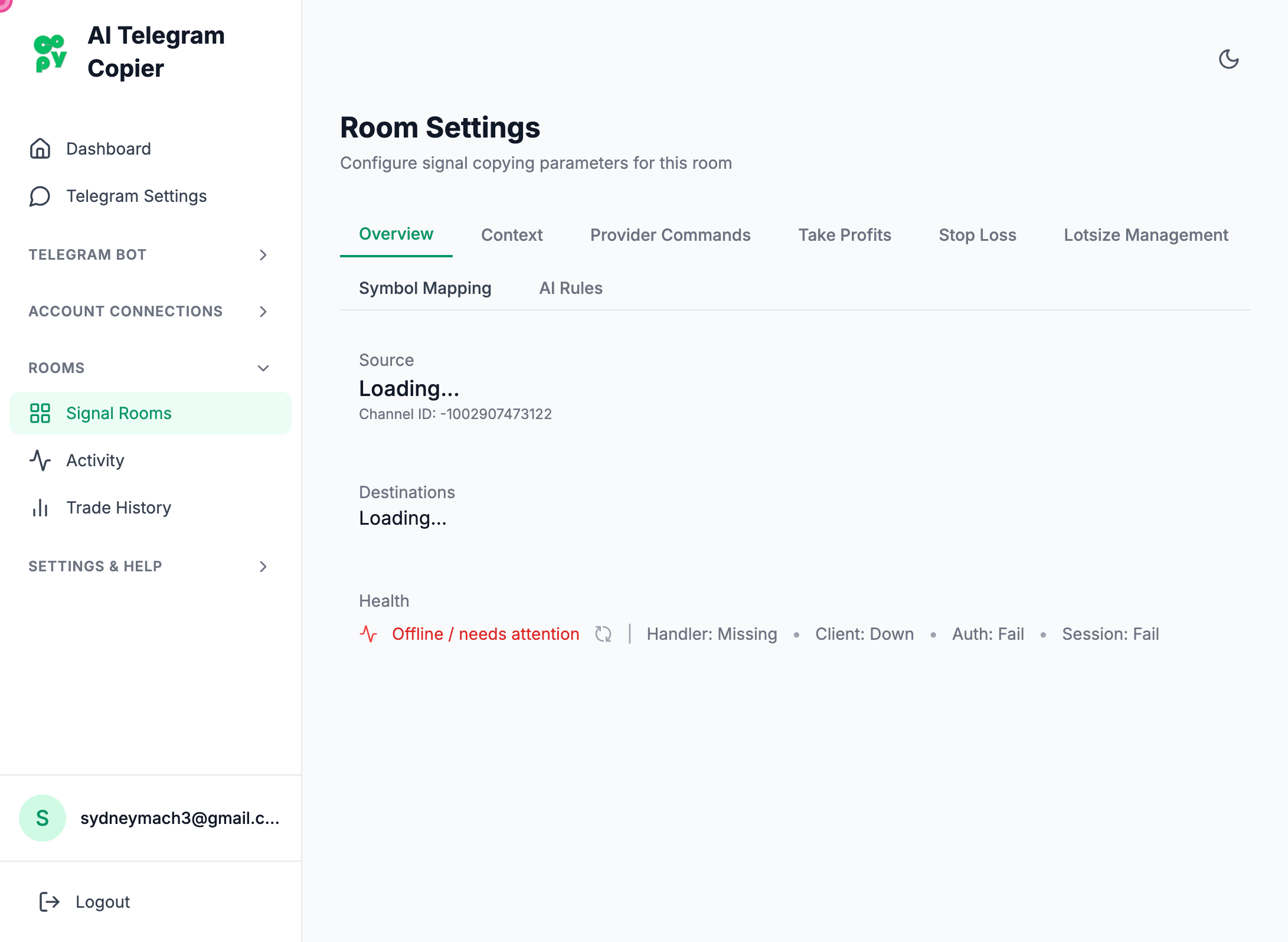
Navigate
Step 4
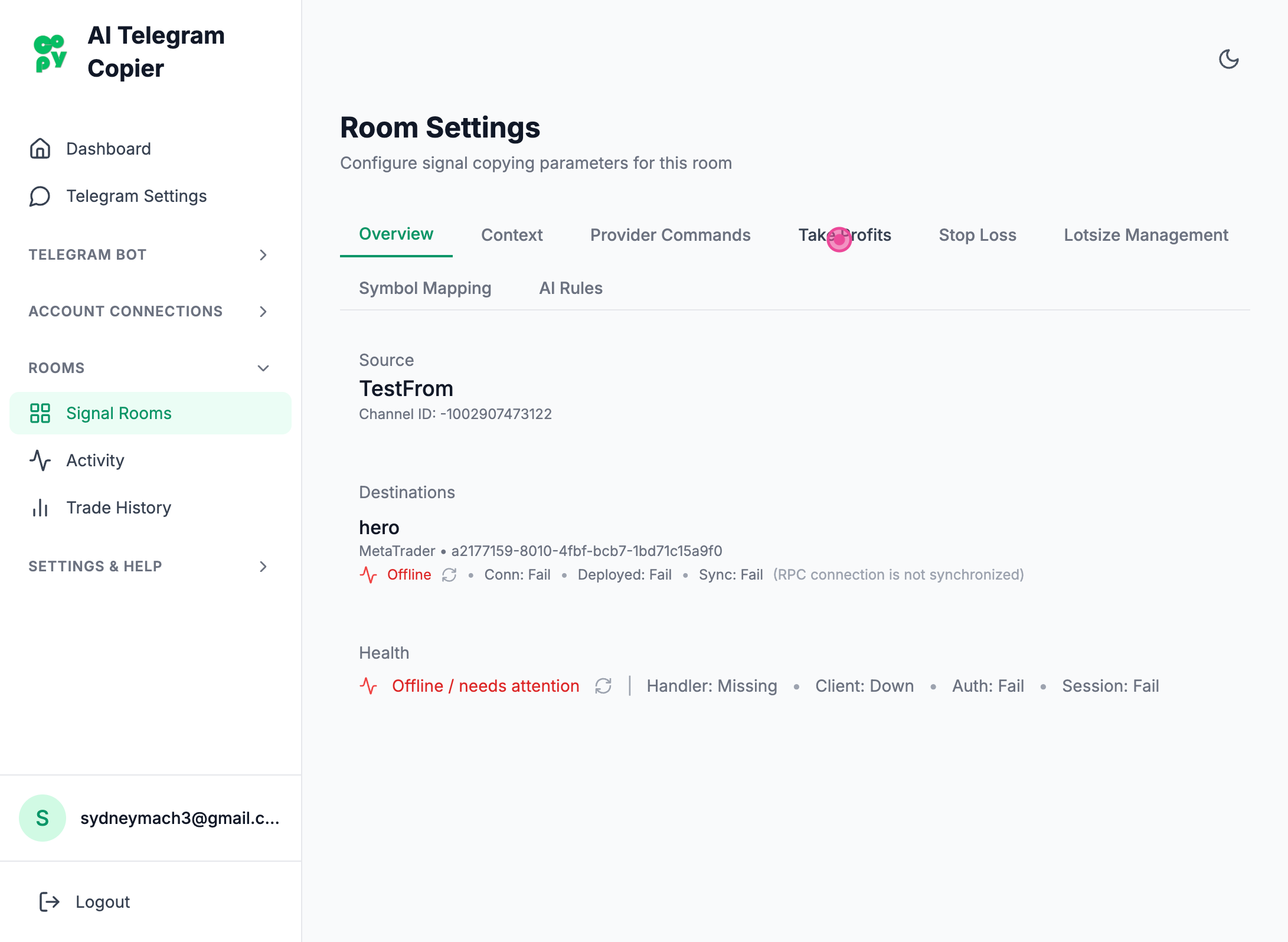
Then click on take profits tab
Step 5
Navigate
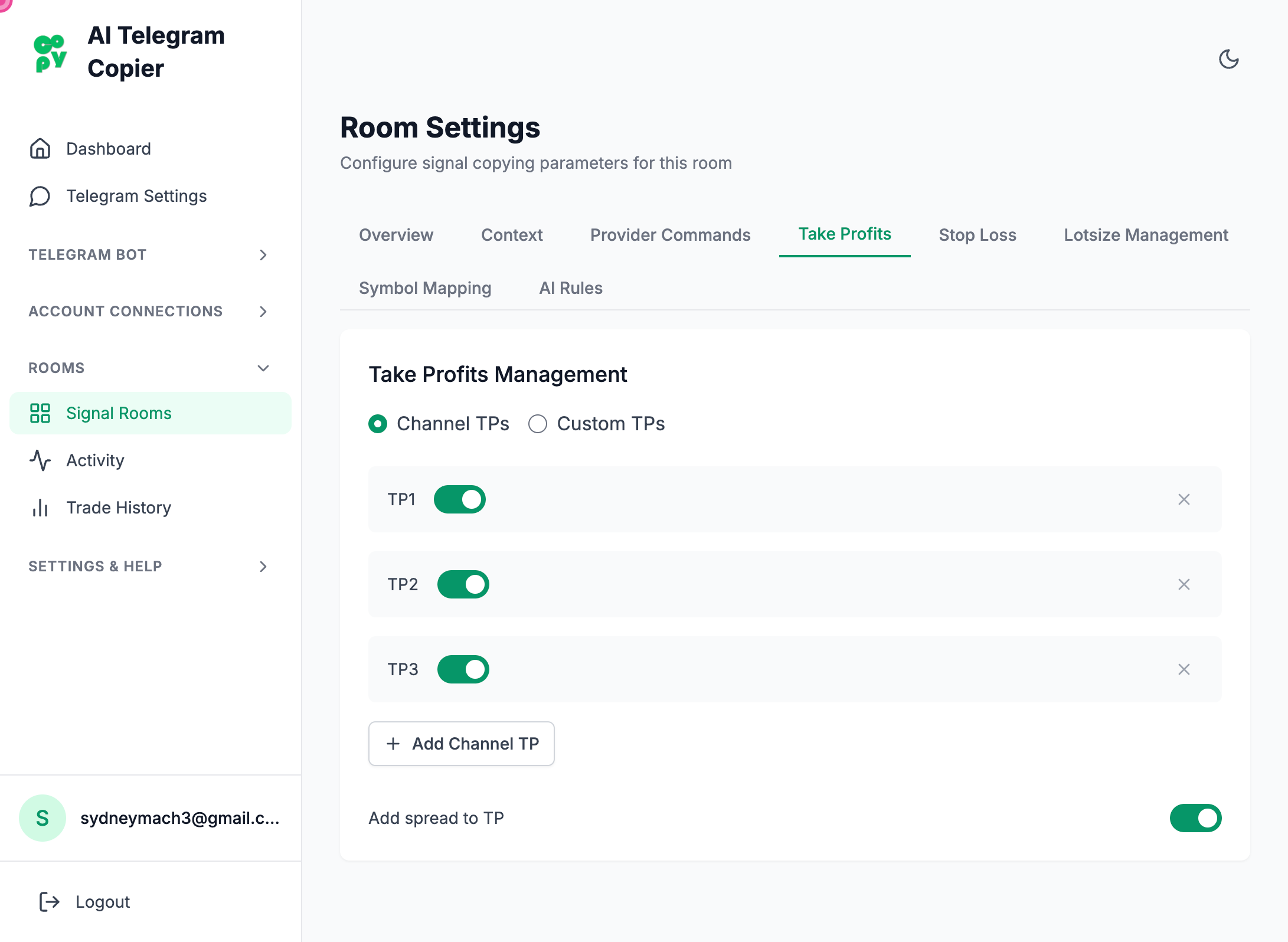
Step 6
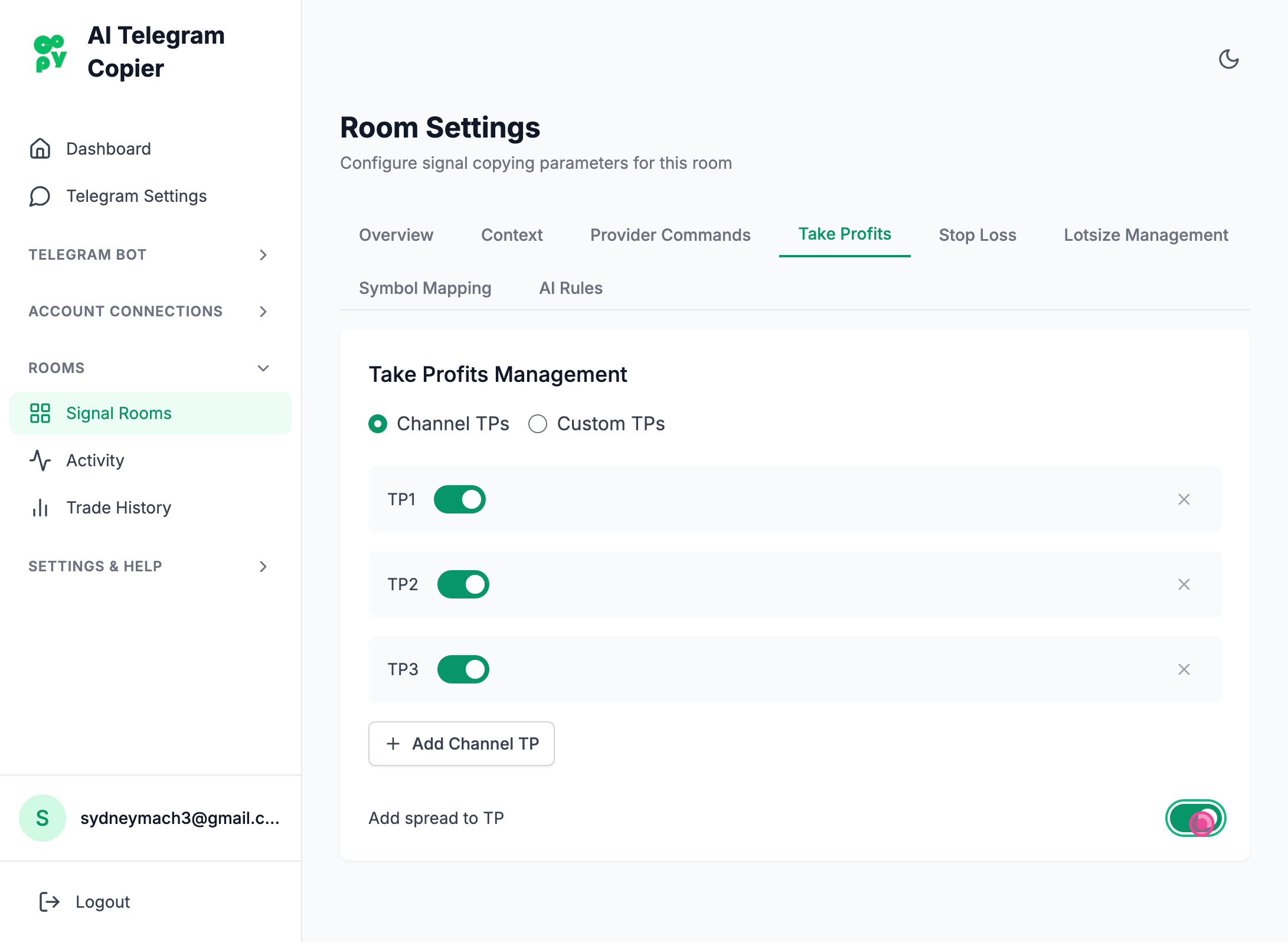
Then to go on or off the Toggle that is at the very bottom to either turn on or turn off the spread
Steps captured by Screezi