How to add a custom take profit
This guide will show you how you can add a custom take profit in pips
17 October 2025
Step 1
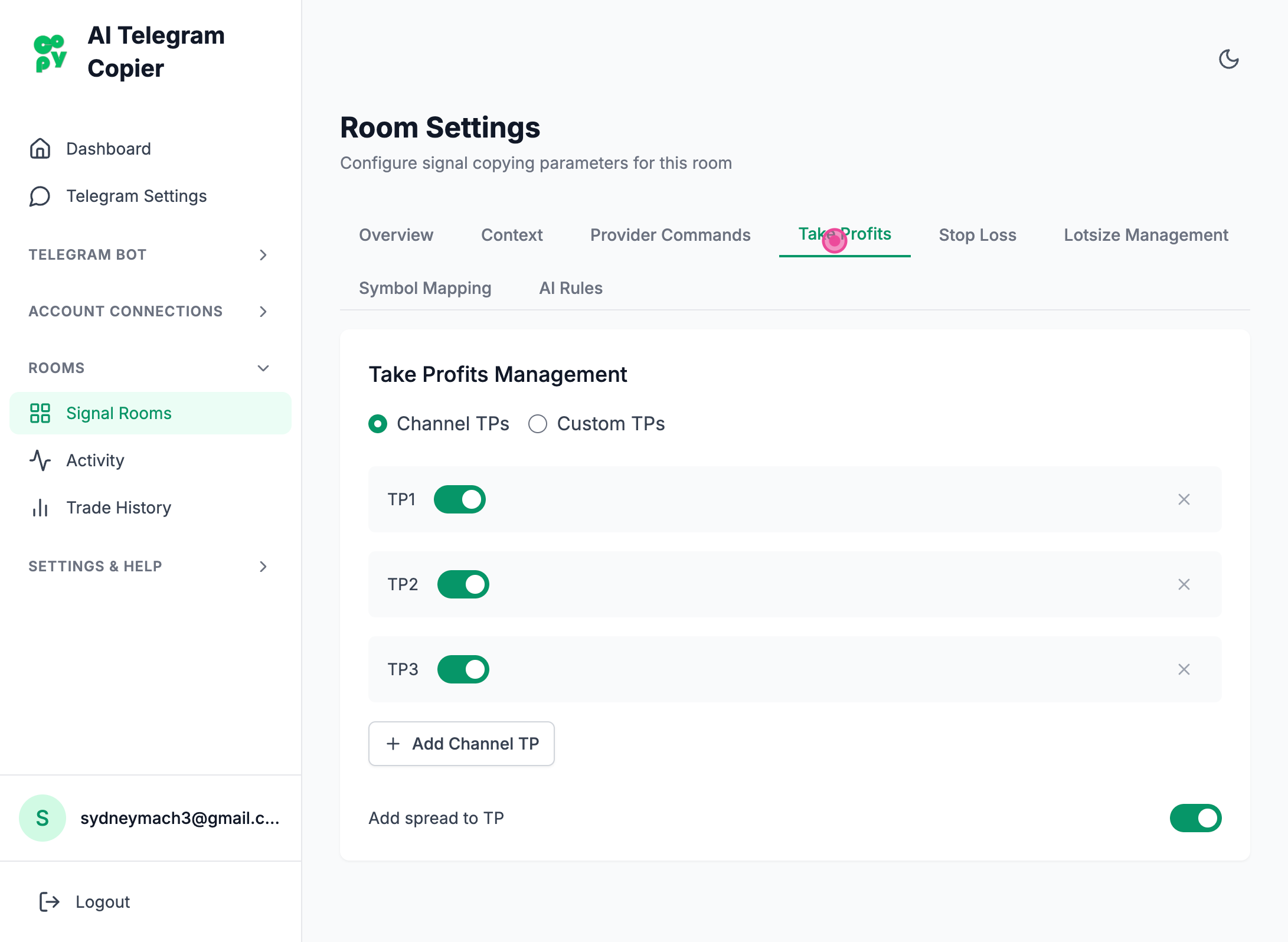
So in your room settings all you have to do is to click the take profit tab
Step 2
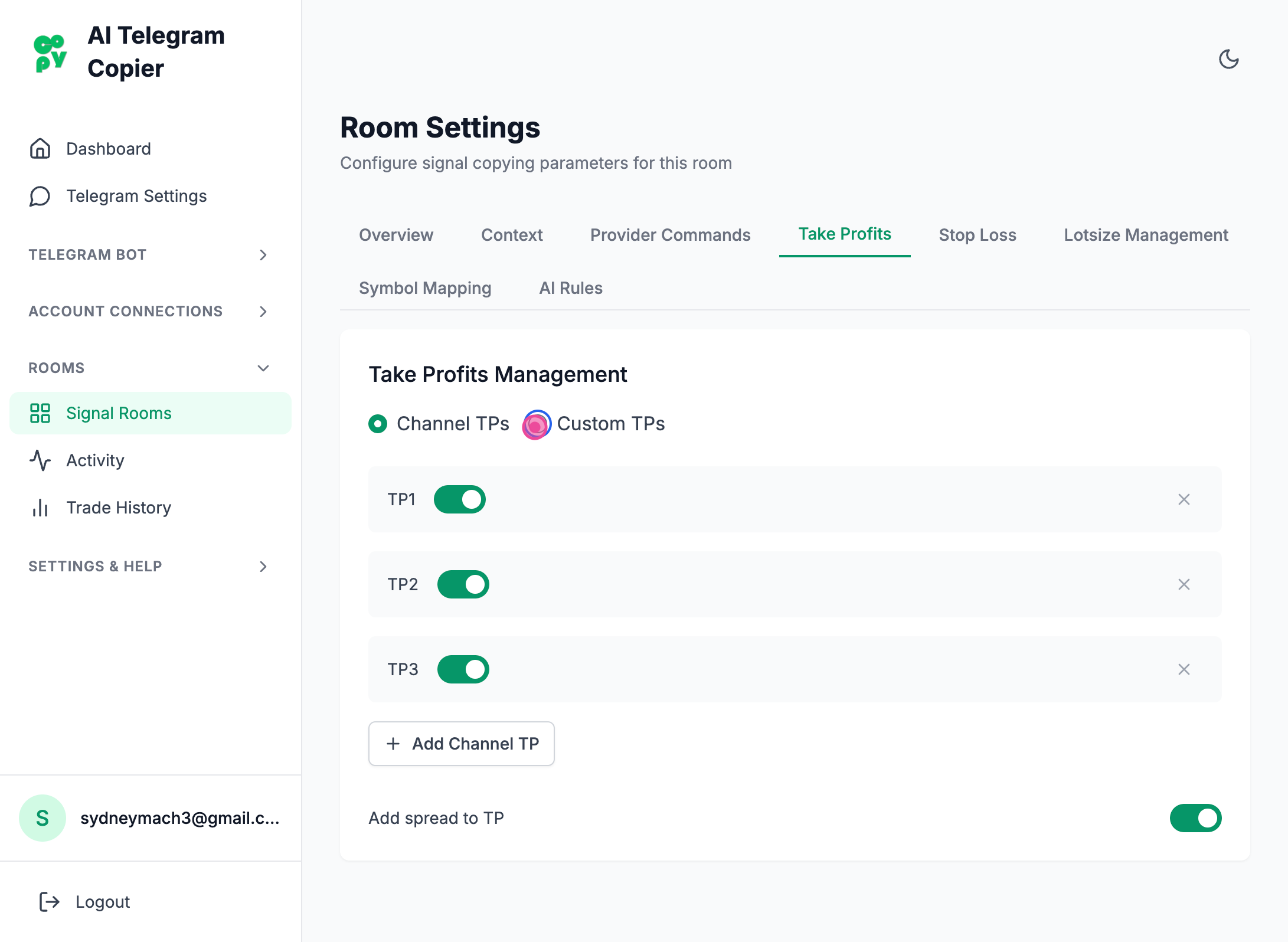
And then after that you will have to click the little custom TPS option and click add custom tp.
Step 3
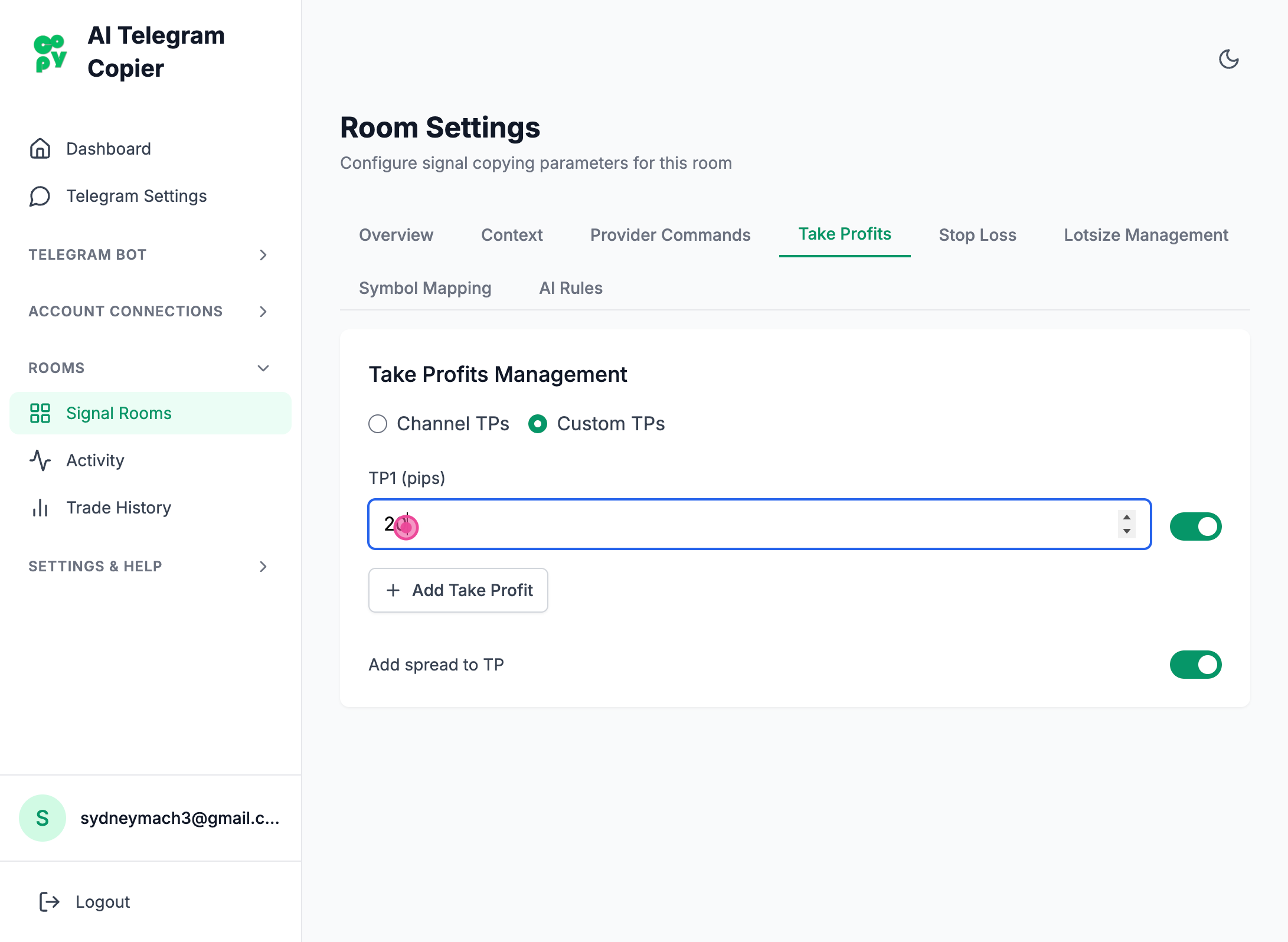
Typing the amount in the text field in pips and that's it!
Important Info
Make sure you test custom TPs because some symbols might have different pip calculation than others and it might not act the way you except.