How to add a take profit level
This is how to add a new take profit so that
16 October 2025
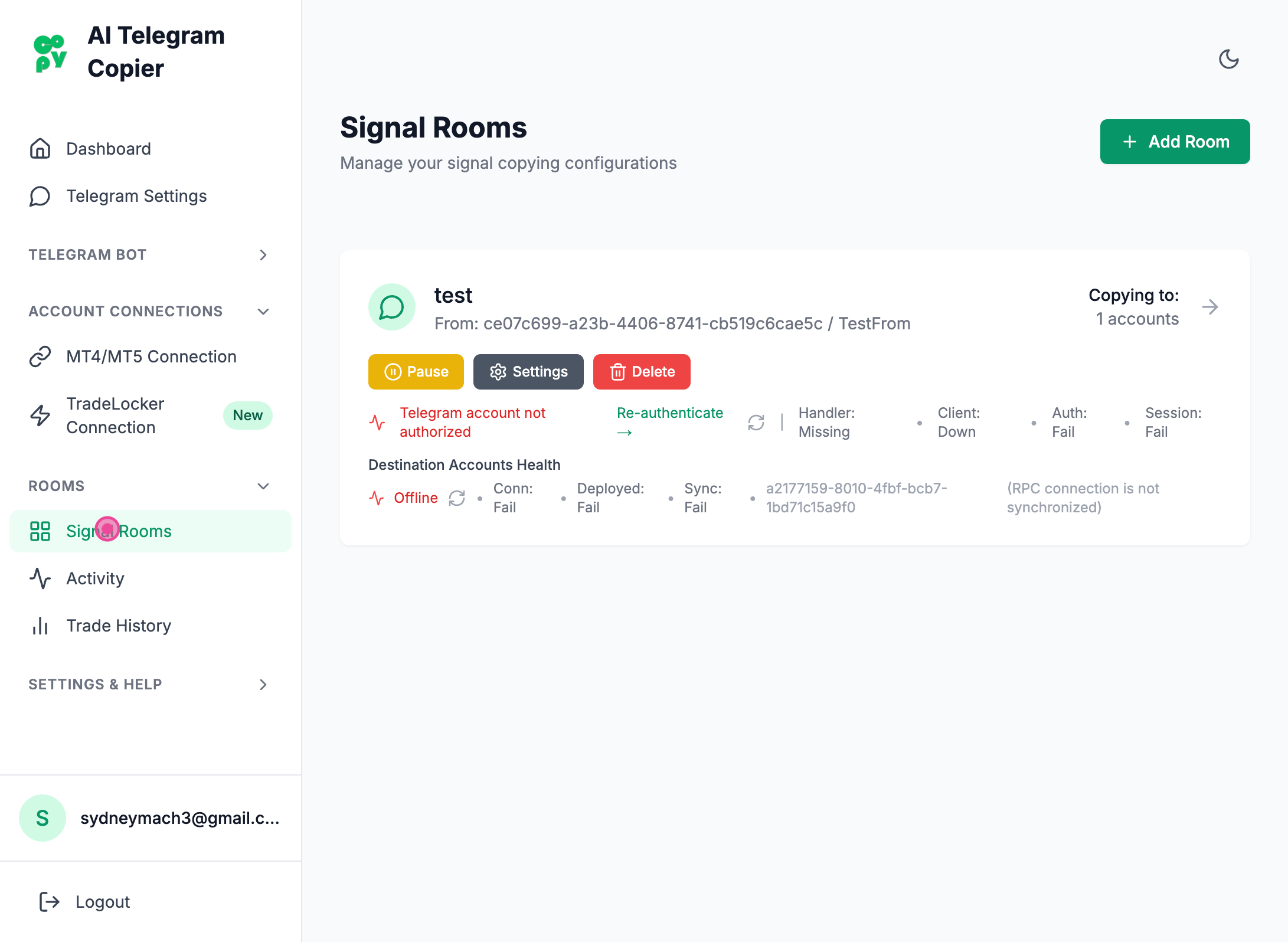
Step 1
Clicked "Signal Rooms" tab
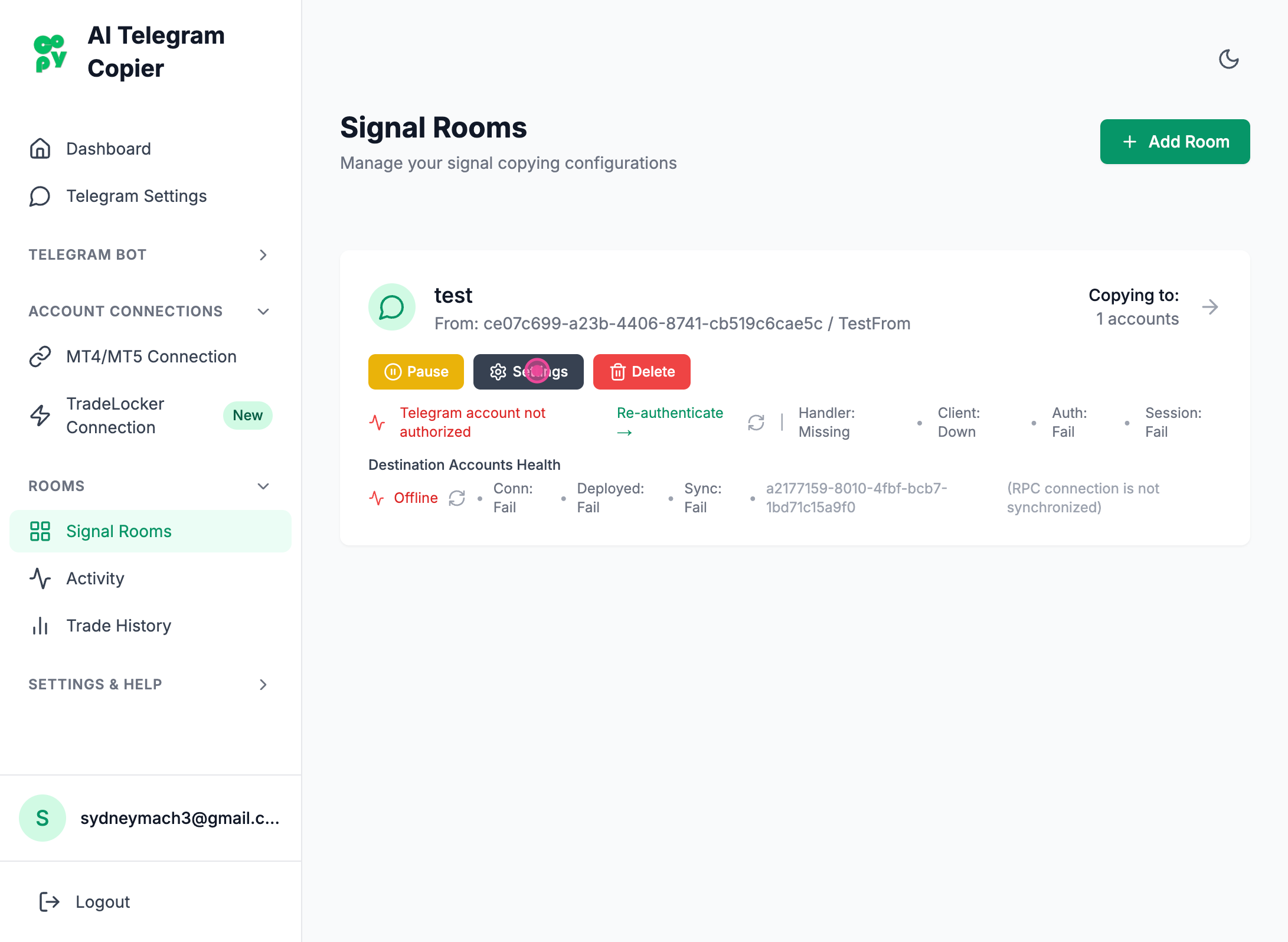
Step 2
Clicked "Settings" button
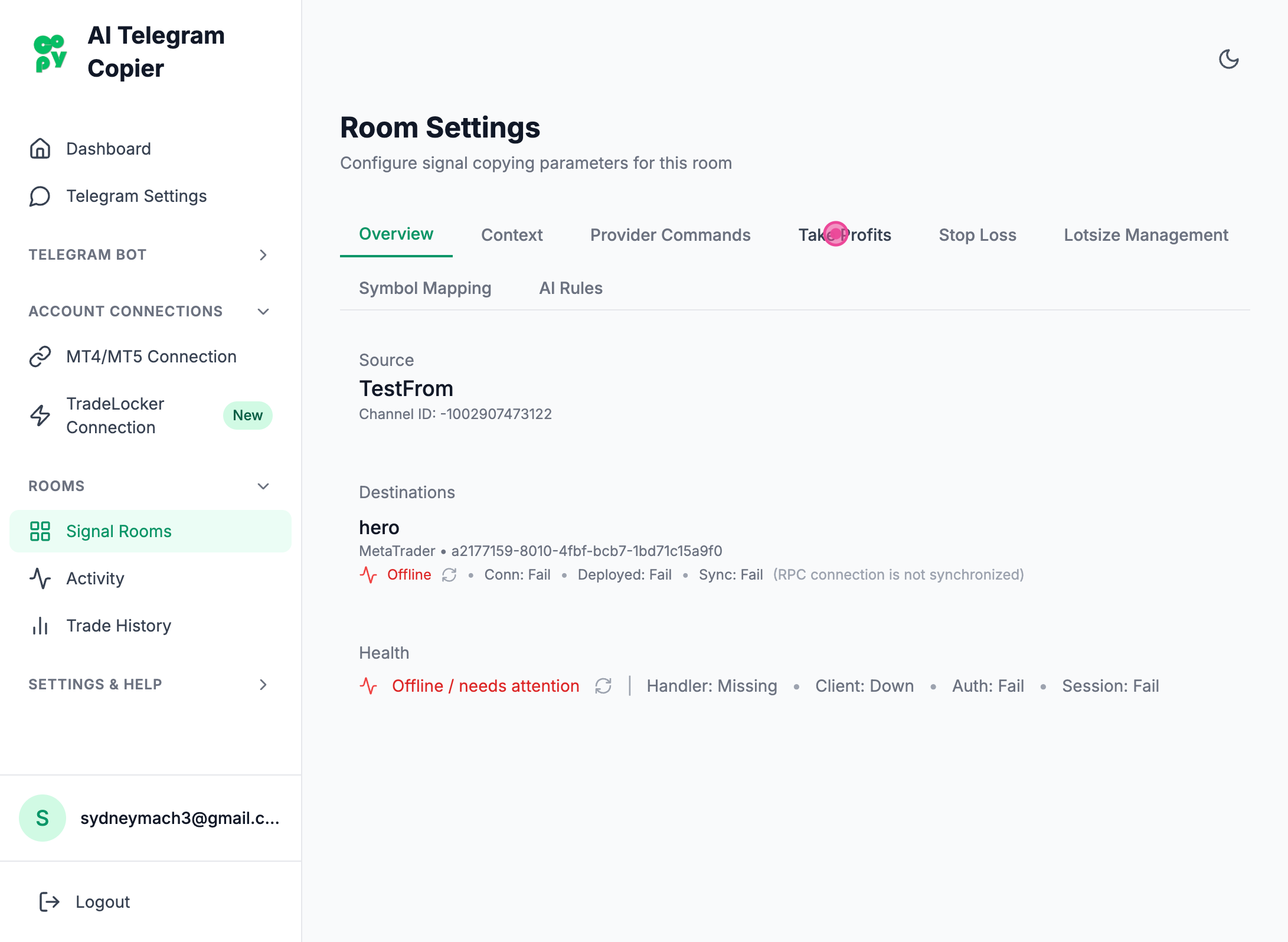
Step 3
Clicked "Take Profits" button
Step 4
Navigate
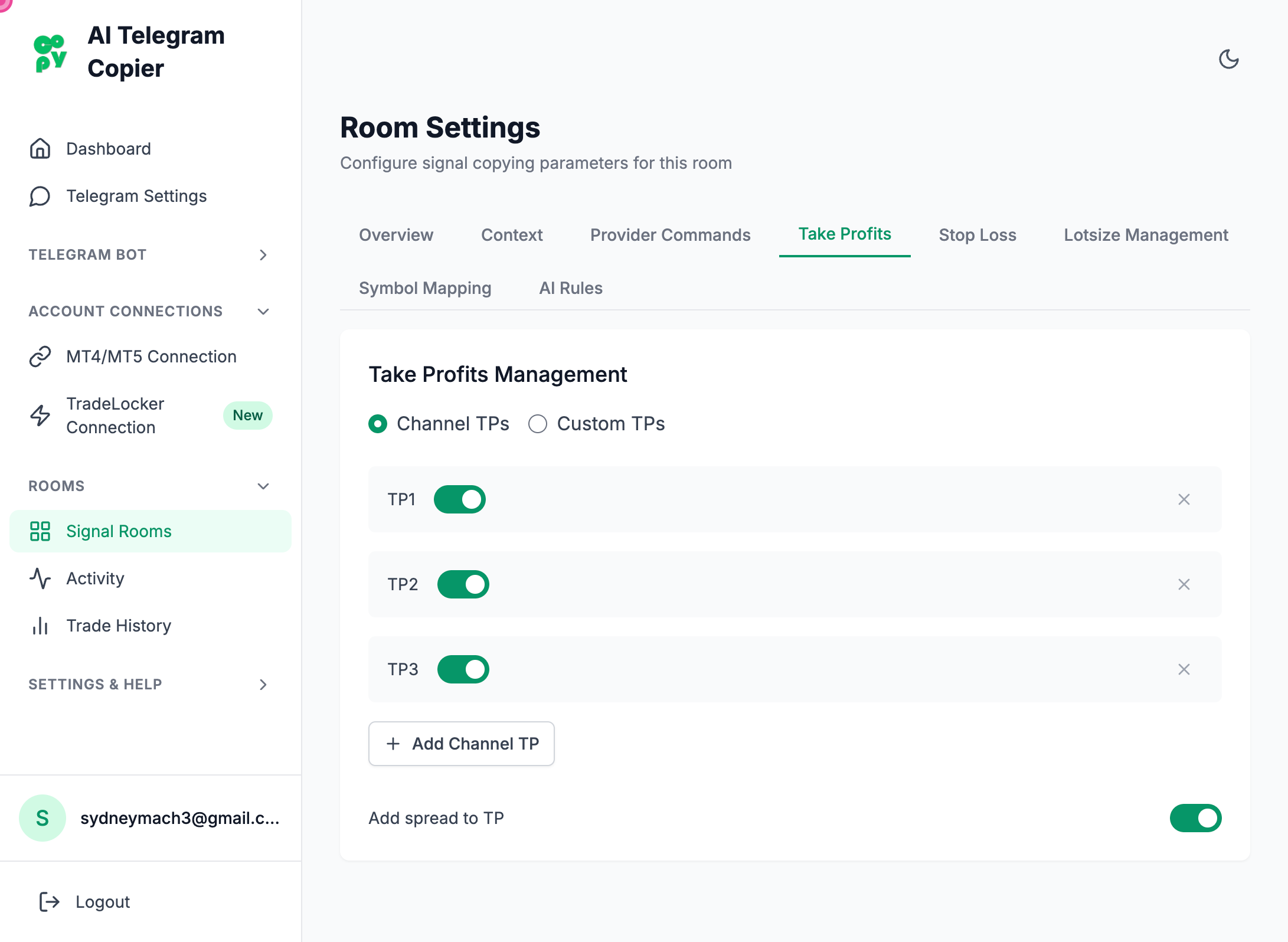
Step 5
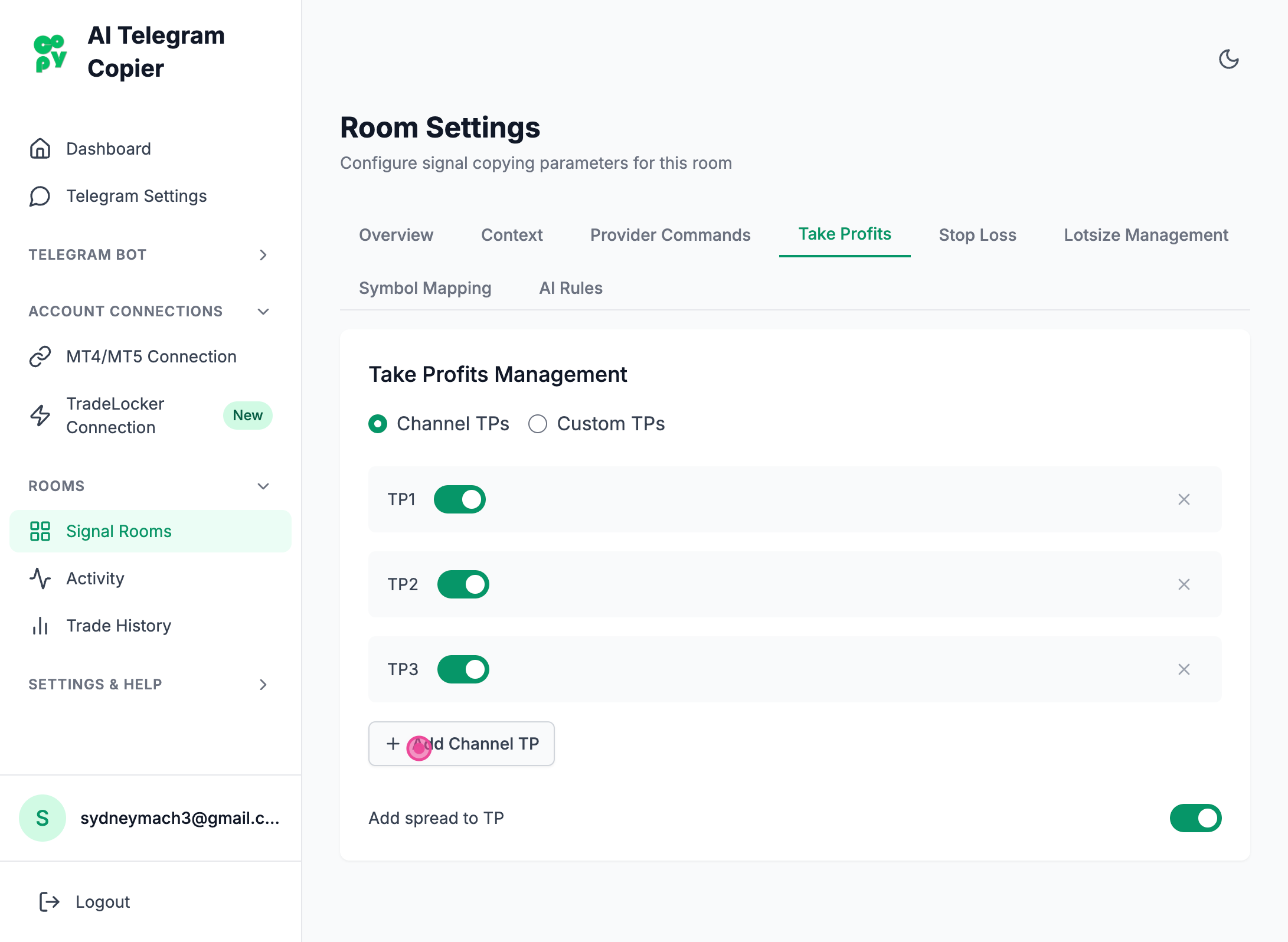
Clicked "Add Channel TP" button
Important Info
Every take profit that is oppened up as a trade inherits from your lot size settings.
Steps captured by Screezi