How to connect your mt4/mt5 account
This is how to connect your Meta Trader 4 or Meta Trader 5 account with AI Telegram Copier
18 October 2025
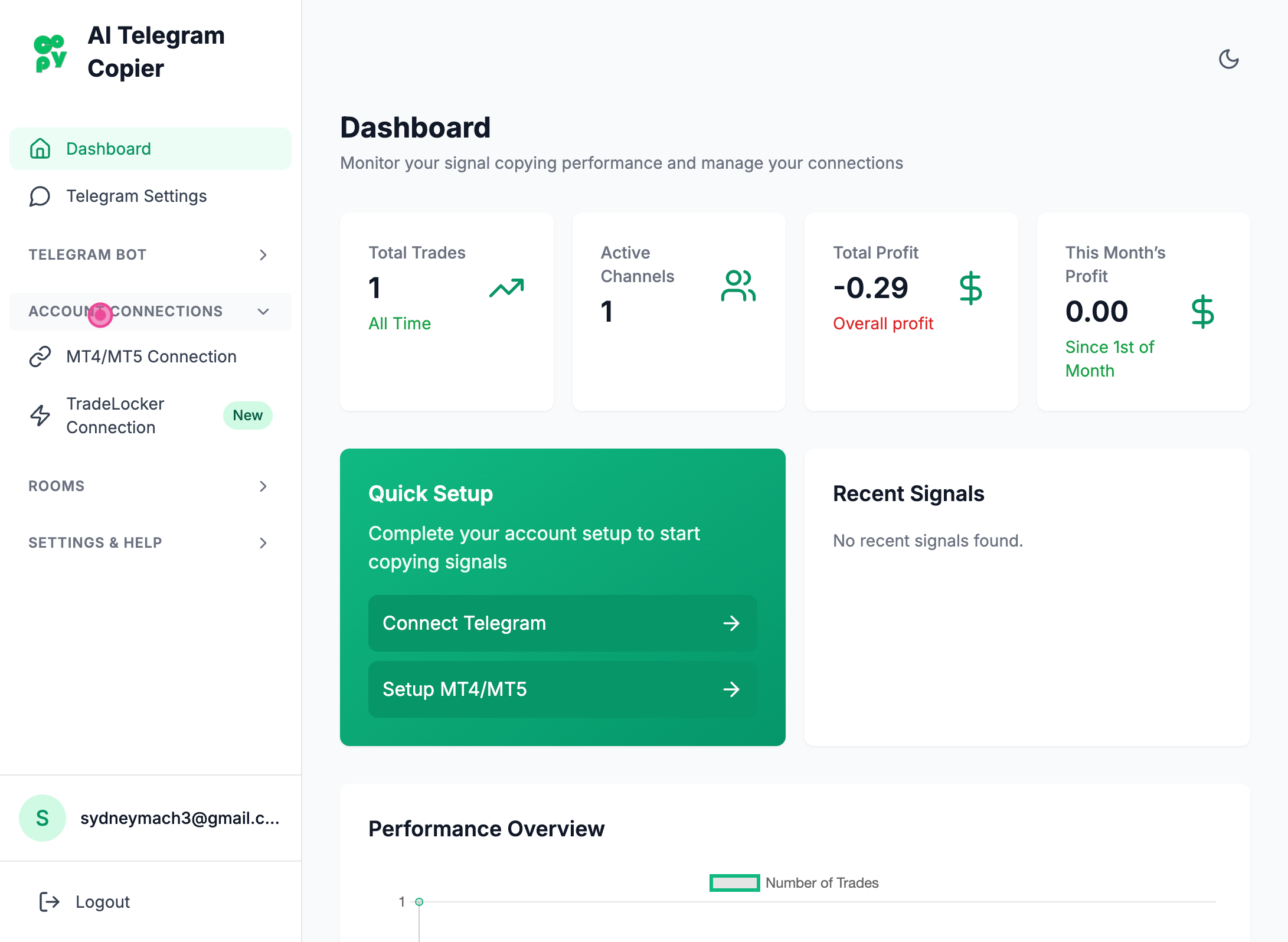
Step 1
Clicked "Account Connections" tab
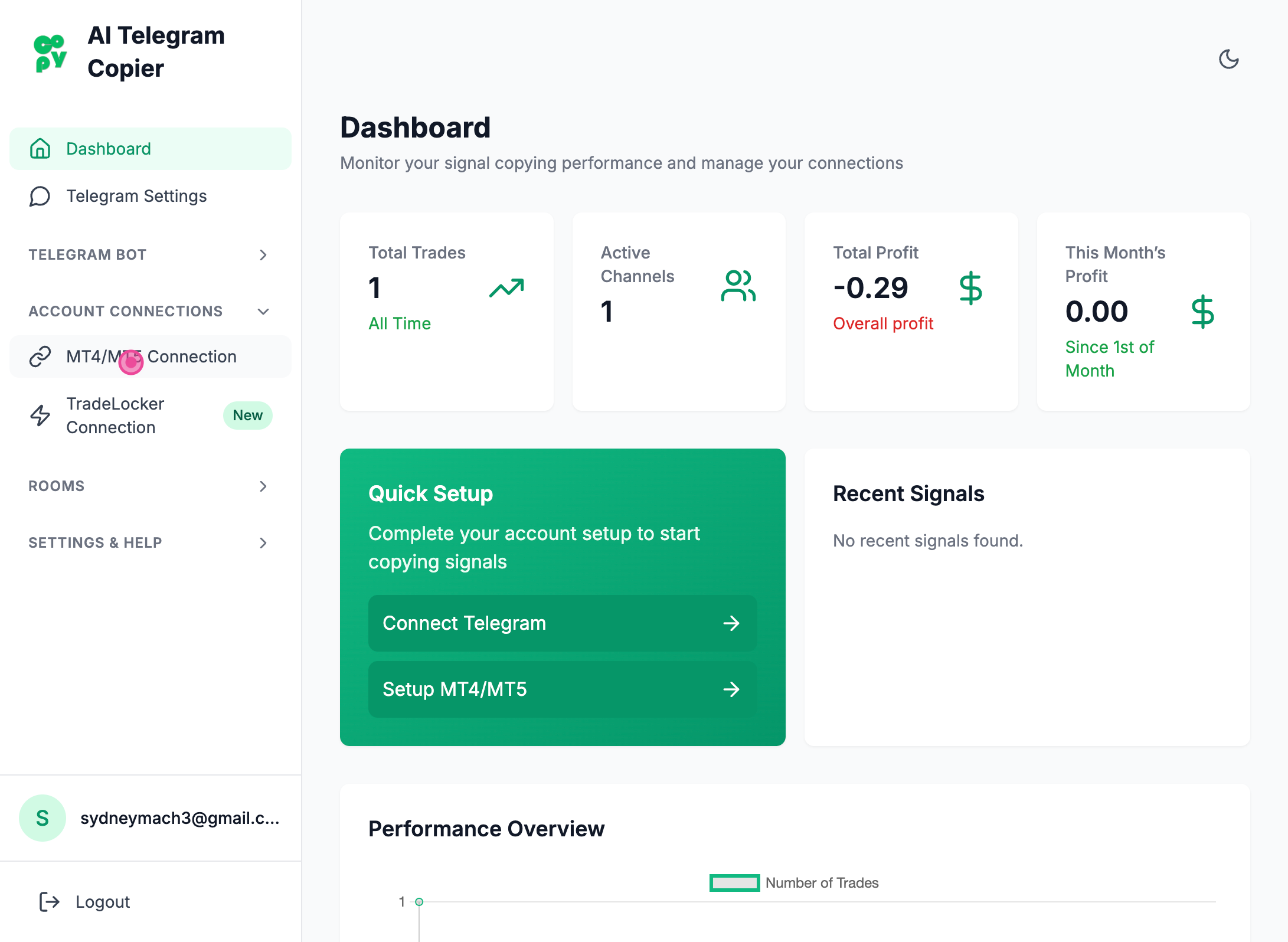
Step 2
Clicked "MT4/MT5 Connections"
Step 3
Clicked "Add Account" button
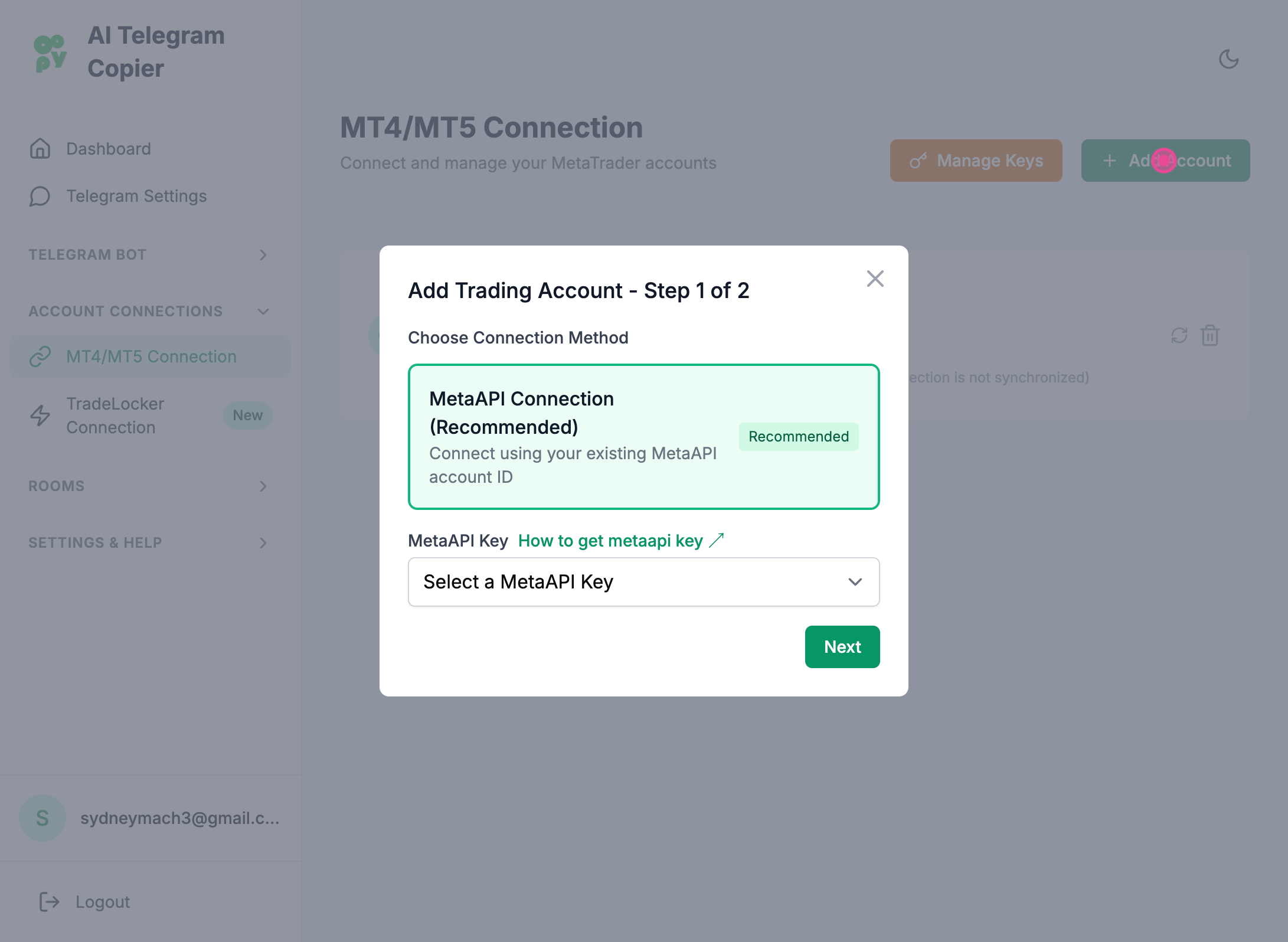
Step 4
And then choose your meta API key
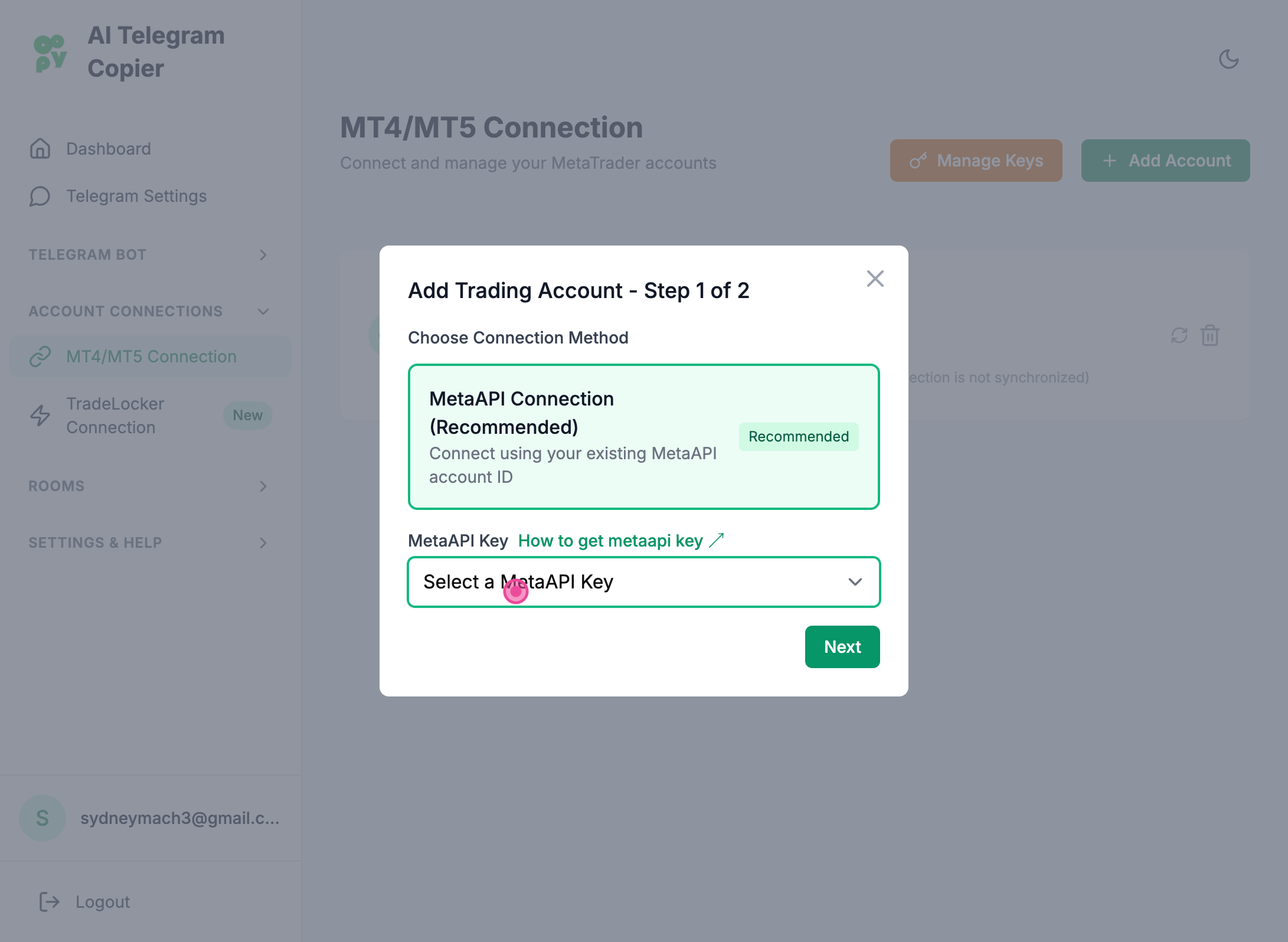
Where can I get a MetaApi Key?
Follow the following link to learn how to in 5 steps: https://help.aitelegramcopier.com/articles/how-to-get-your-metaapi-key
Step 5
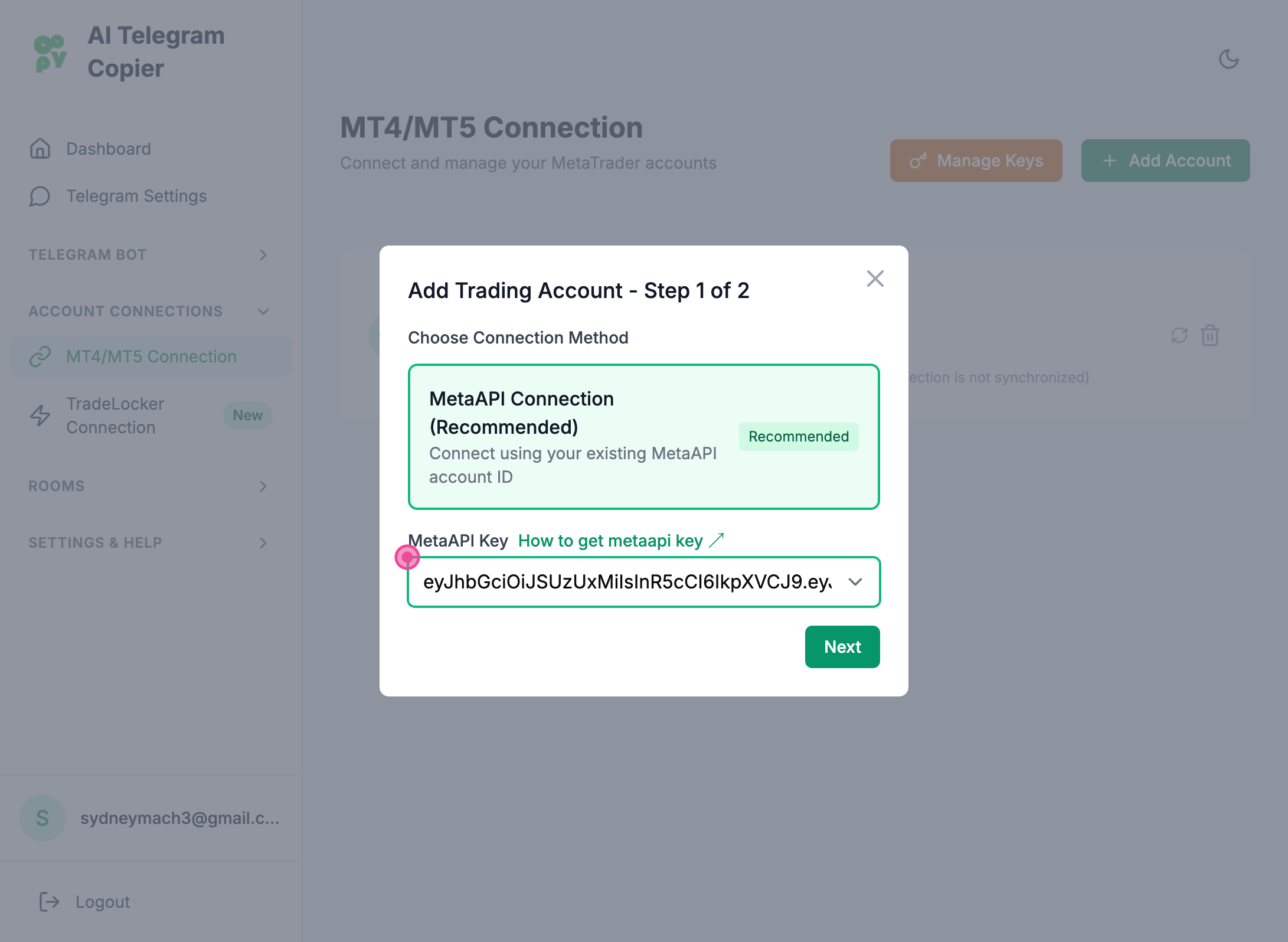
Select your metaapi key
Step 6
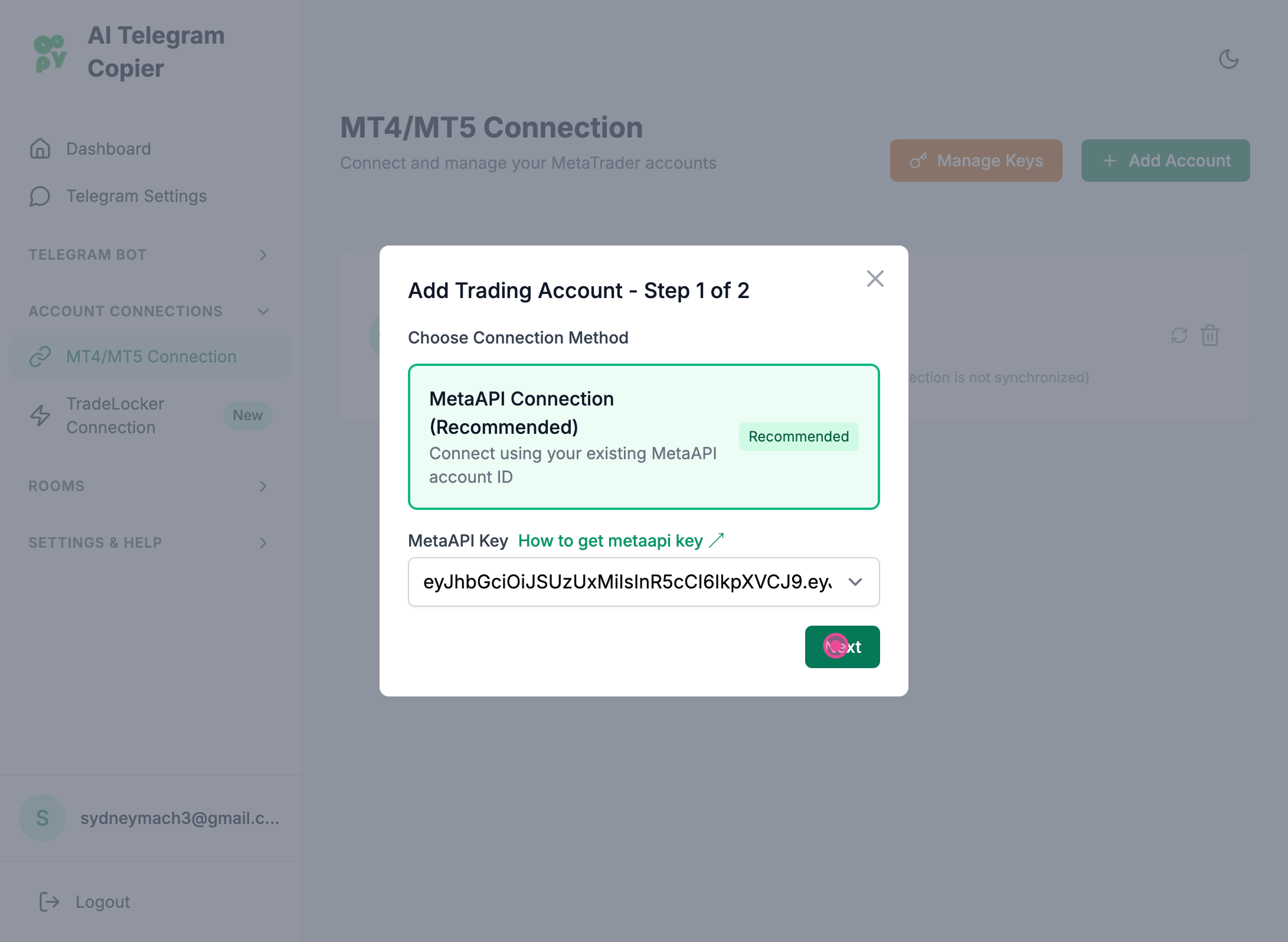
Clicked "Next" button
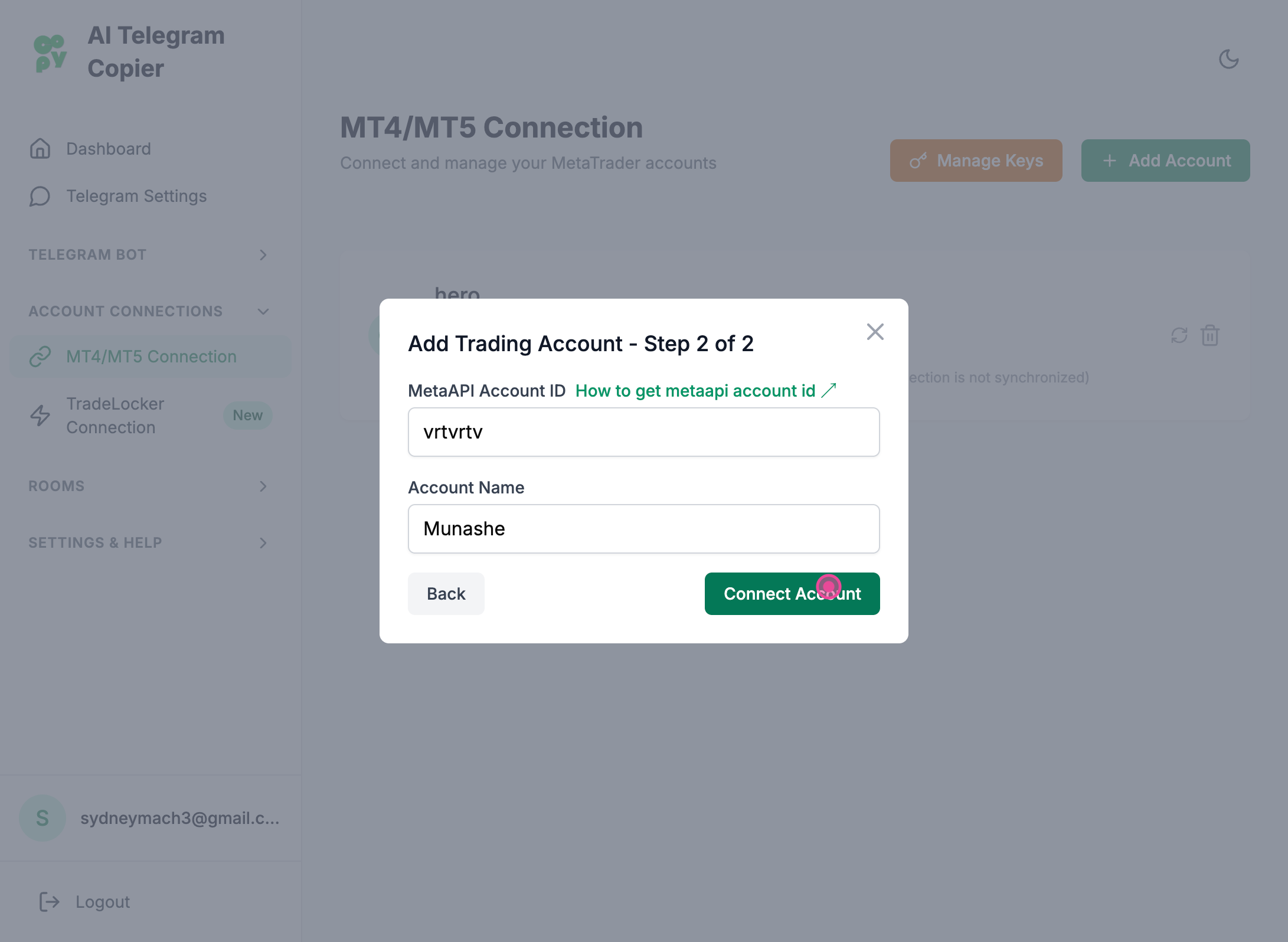
Step 7
And then enter the required information including the meta API account ID and any account name of your choice and then click the connect Account button
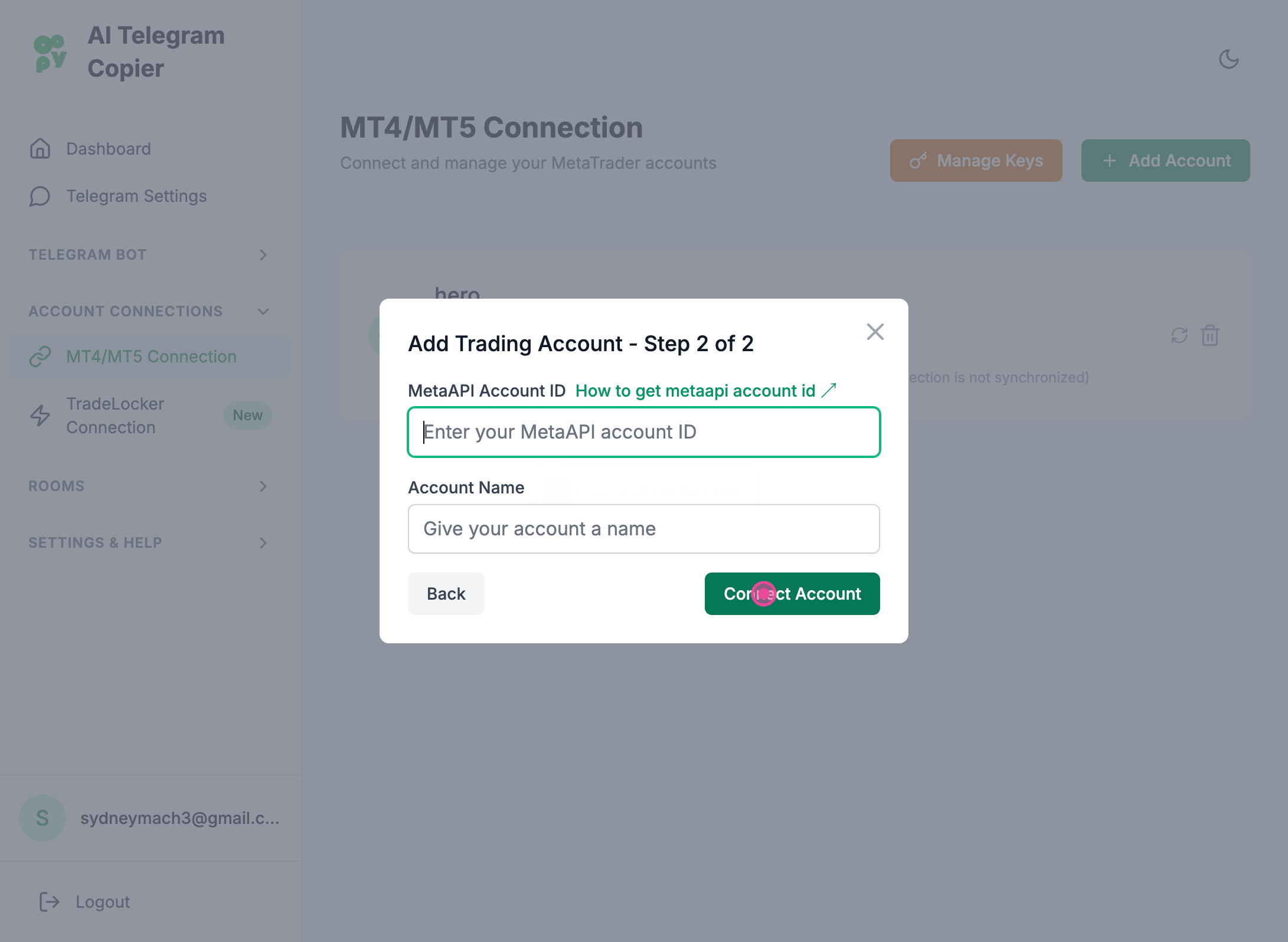
How to get an account ID?
To get an account id follow the following article: https://help.aitelegramcopier.com/articles/how-to-add-a-mt4mt5-account-on-metaapi
Step 8
Clicked "Connect Account" button