How to enter room settings
This is how to enter room settings where you can customize risk management
17 October 2025
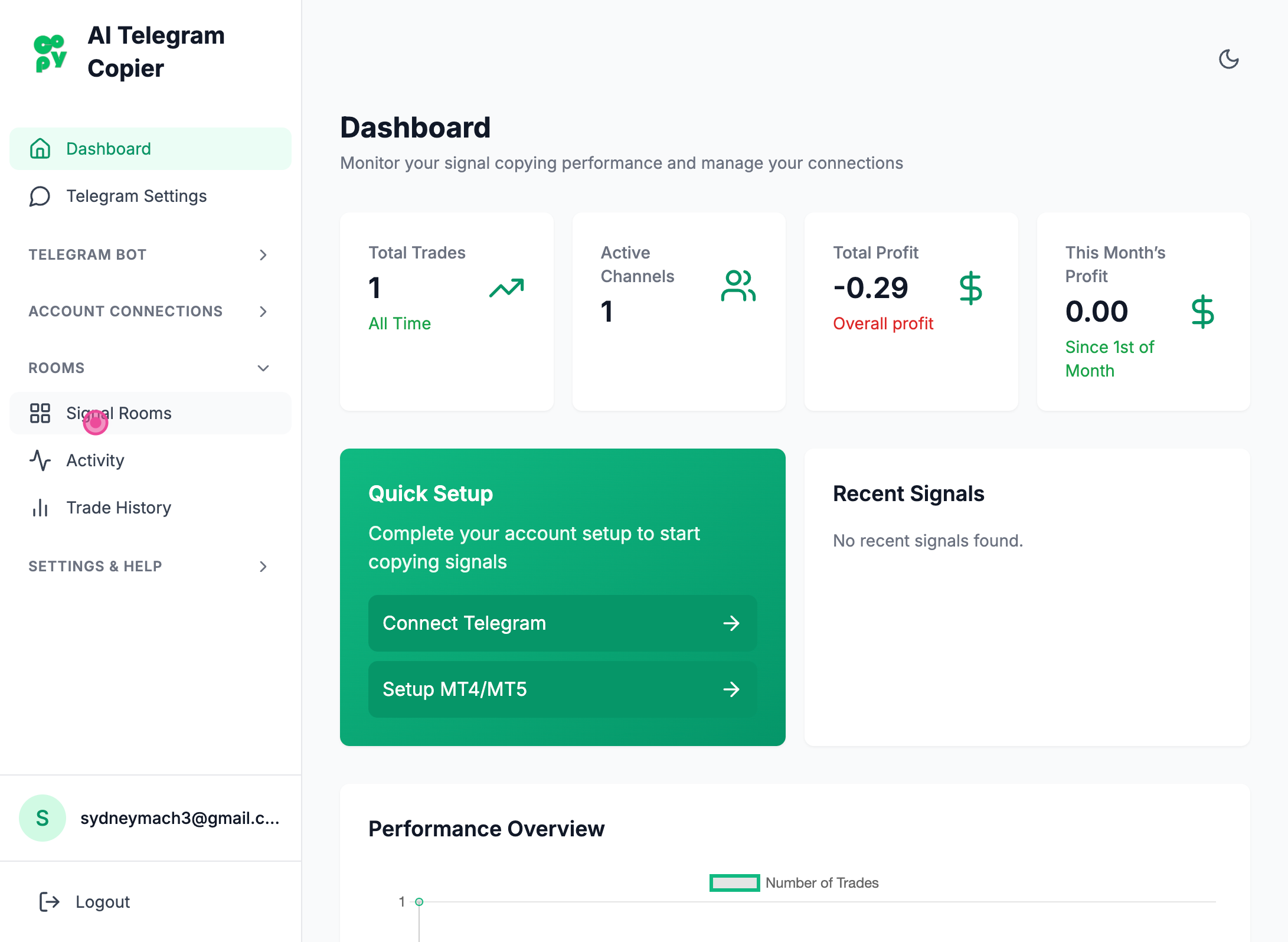
Step 1
So going to room settings is easy. All you have to do is to click signal rooms from the dashboard.
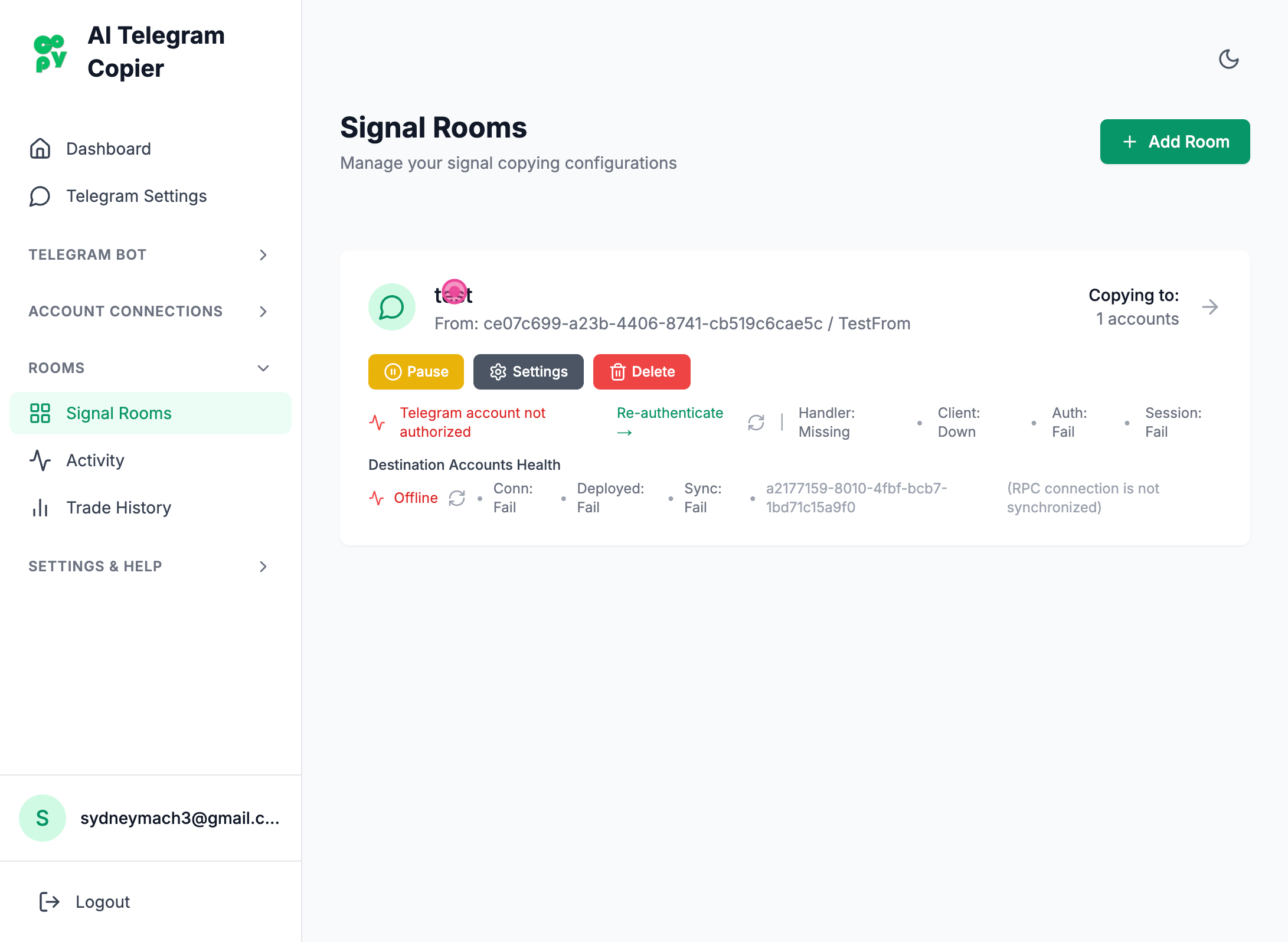
Step 2
then click your room or the 'Settings' button on your room
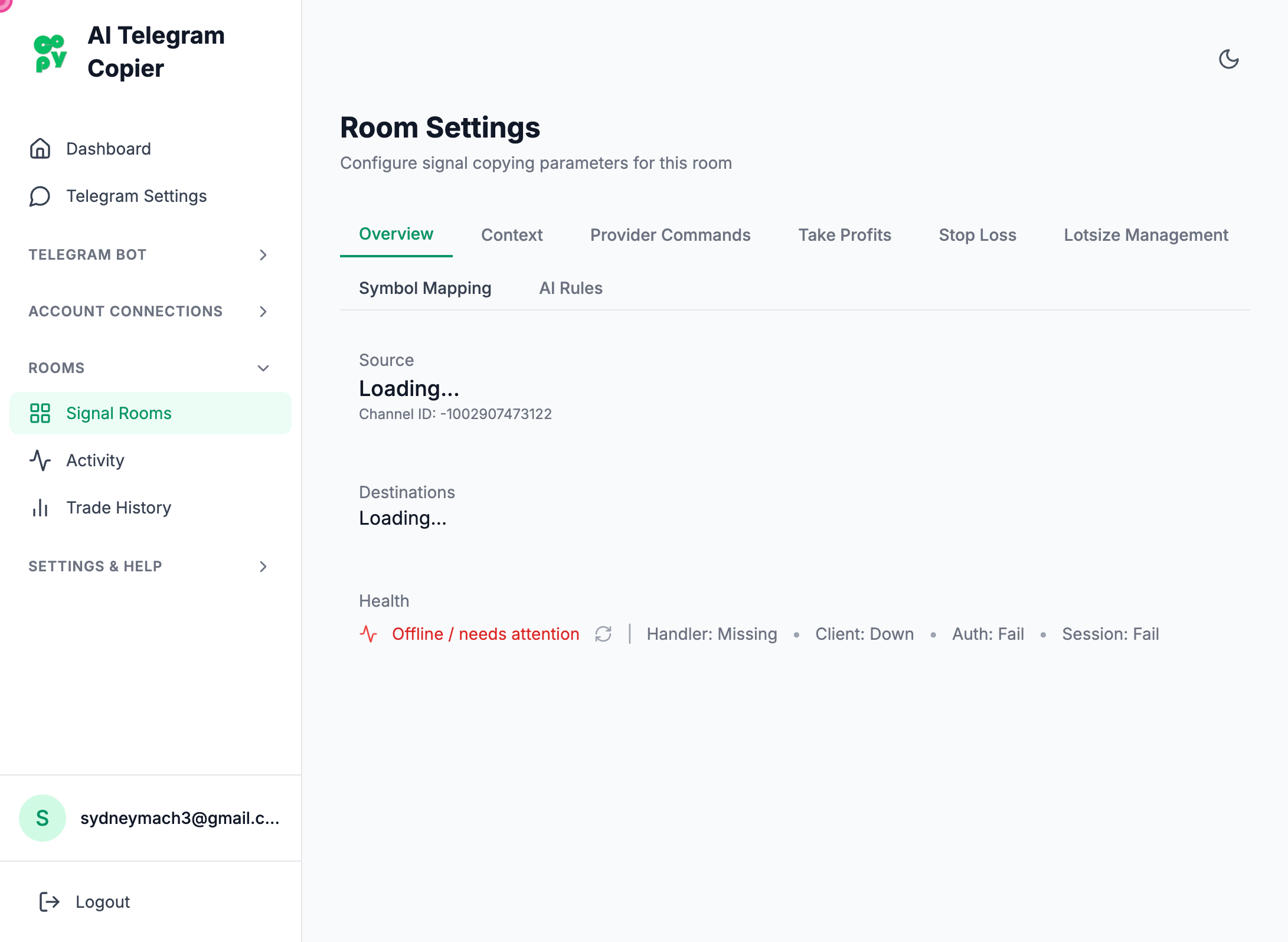
Step 3
That's it!
Steps captured by Screezi