How to remove a take profit level
Removing take profits from your room
17 October 2025
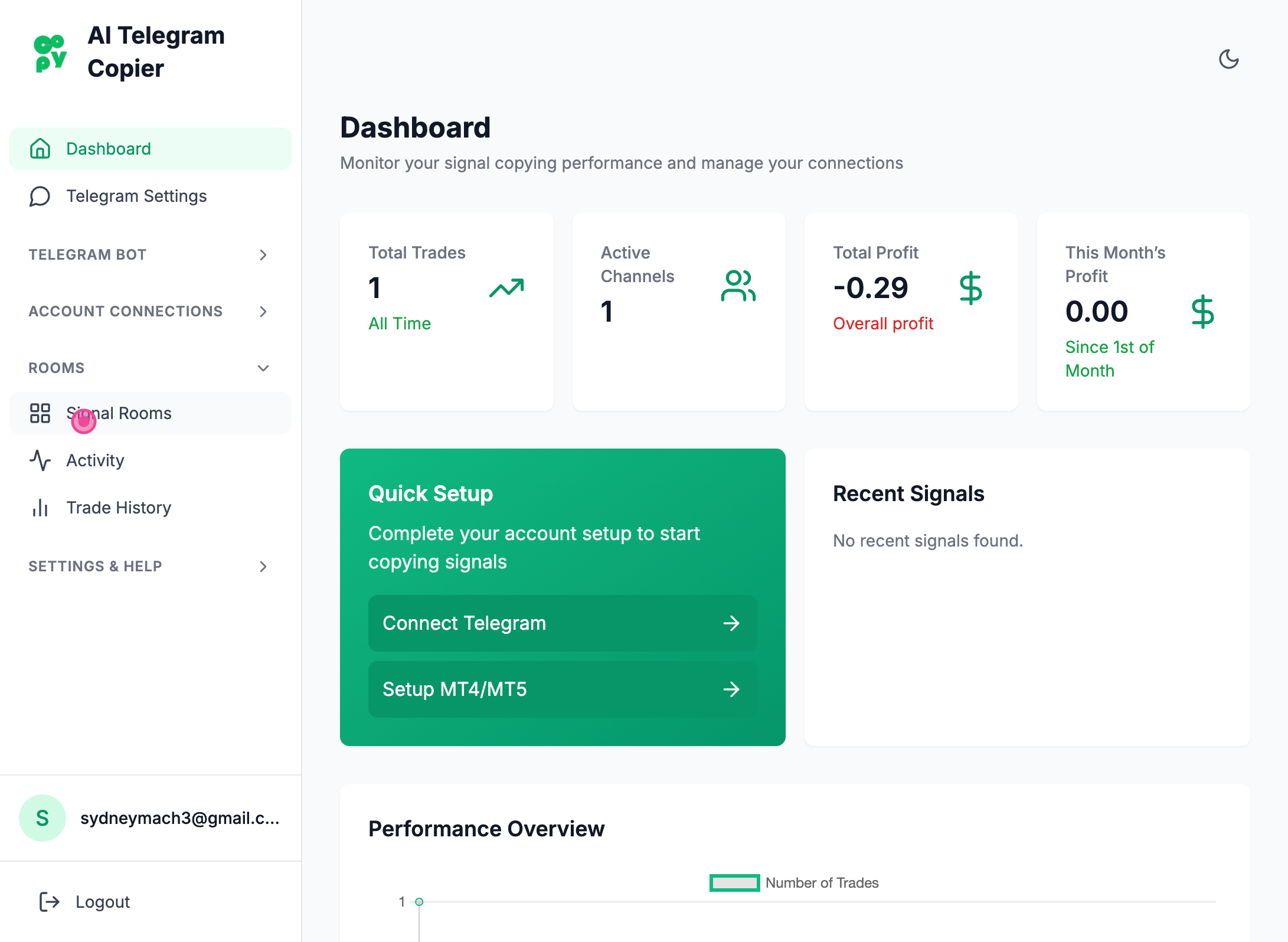
Step 1
Clicked "Signal Rooms" tab
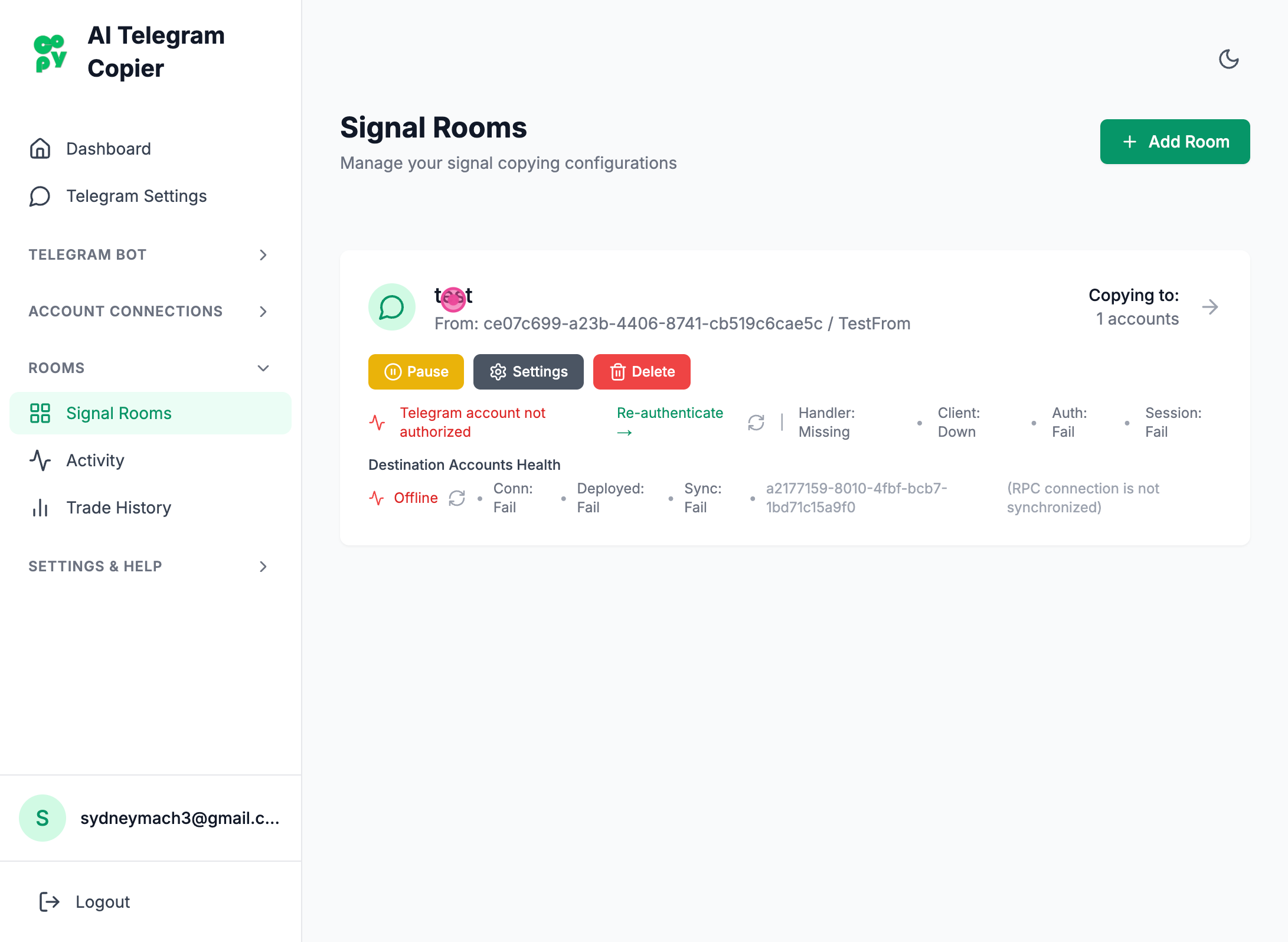
Step 2
Clicked the room
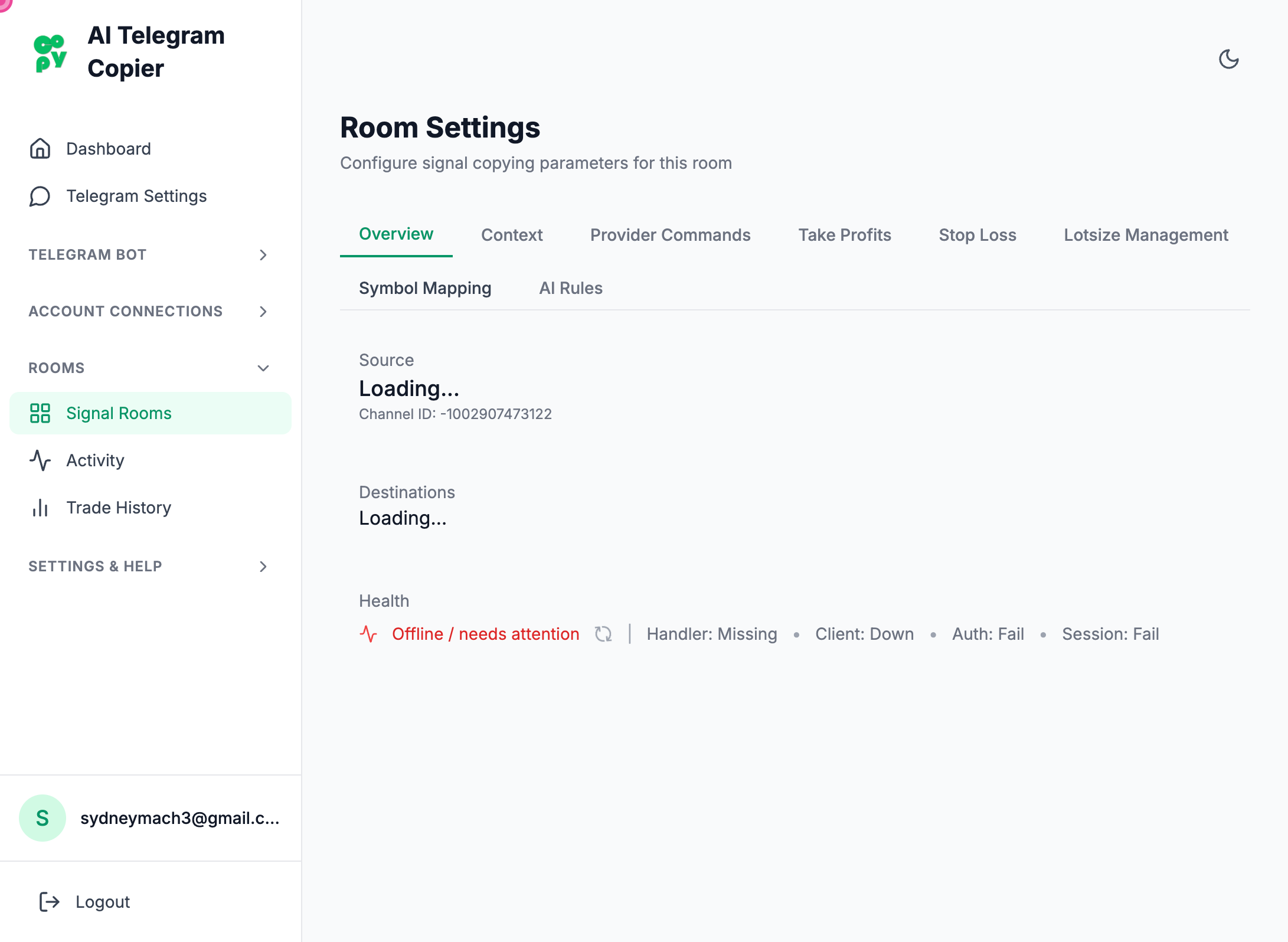
Step 3
Navigate
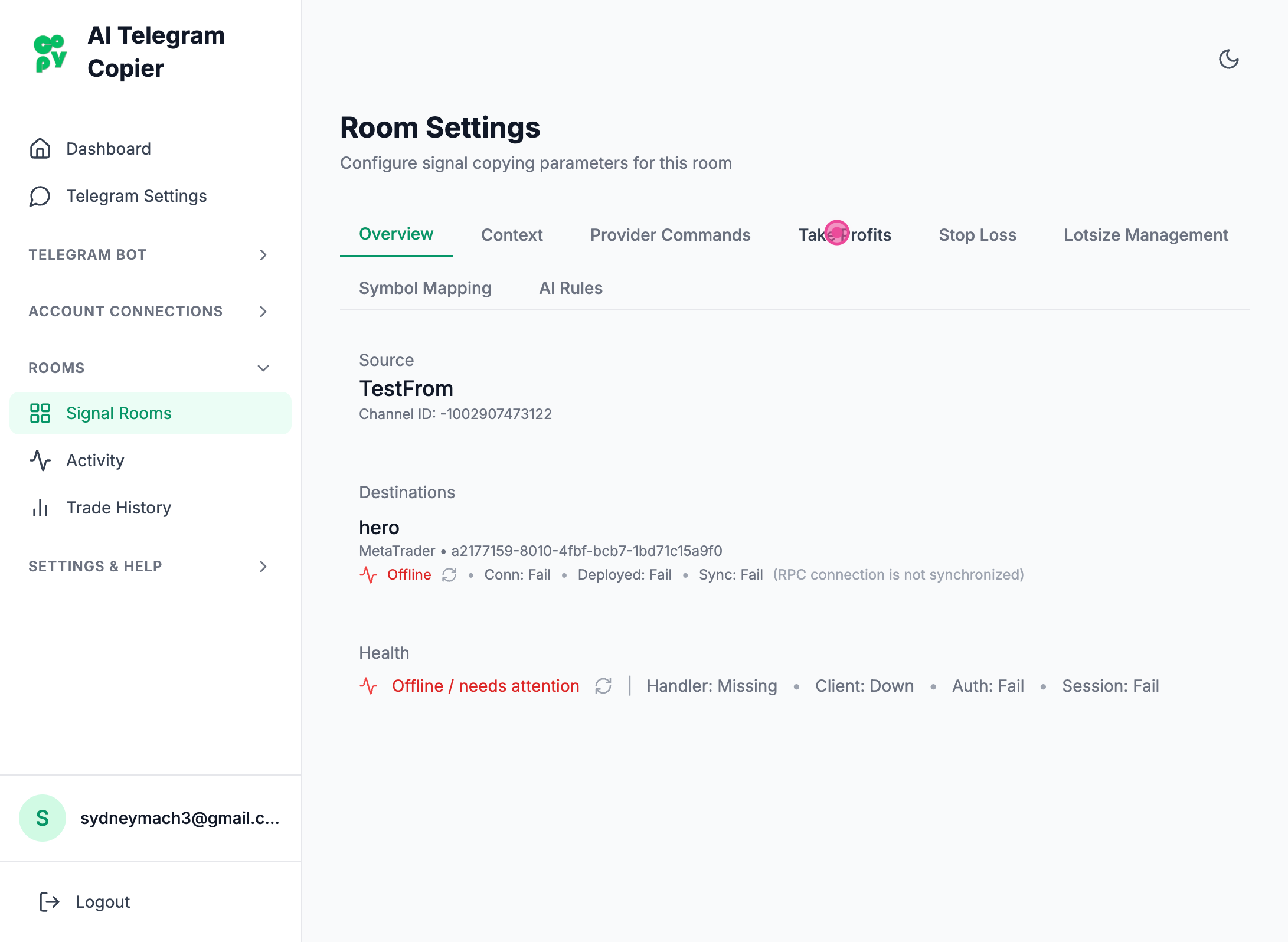
Step 4
Clicked "Take Profits" button
Step 5
Navigate
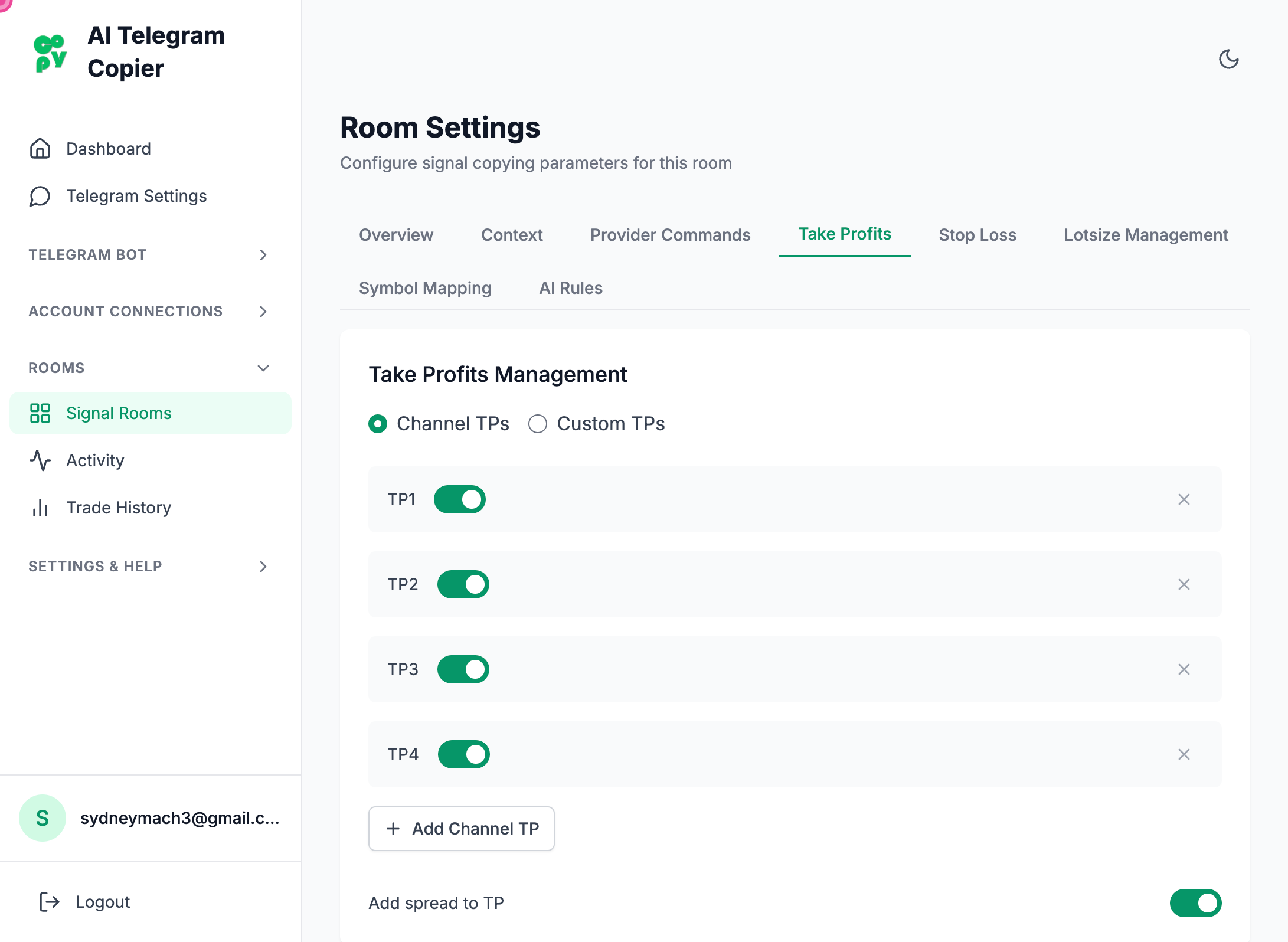
Step 6
Clicked the 'x' element to remove the TP
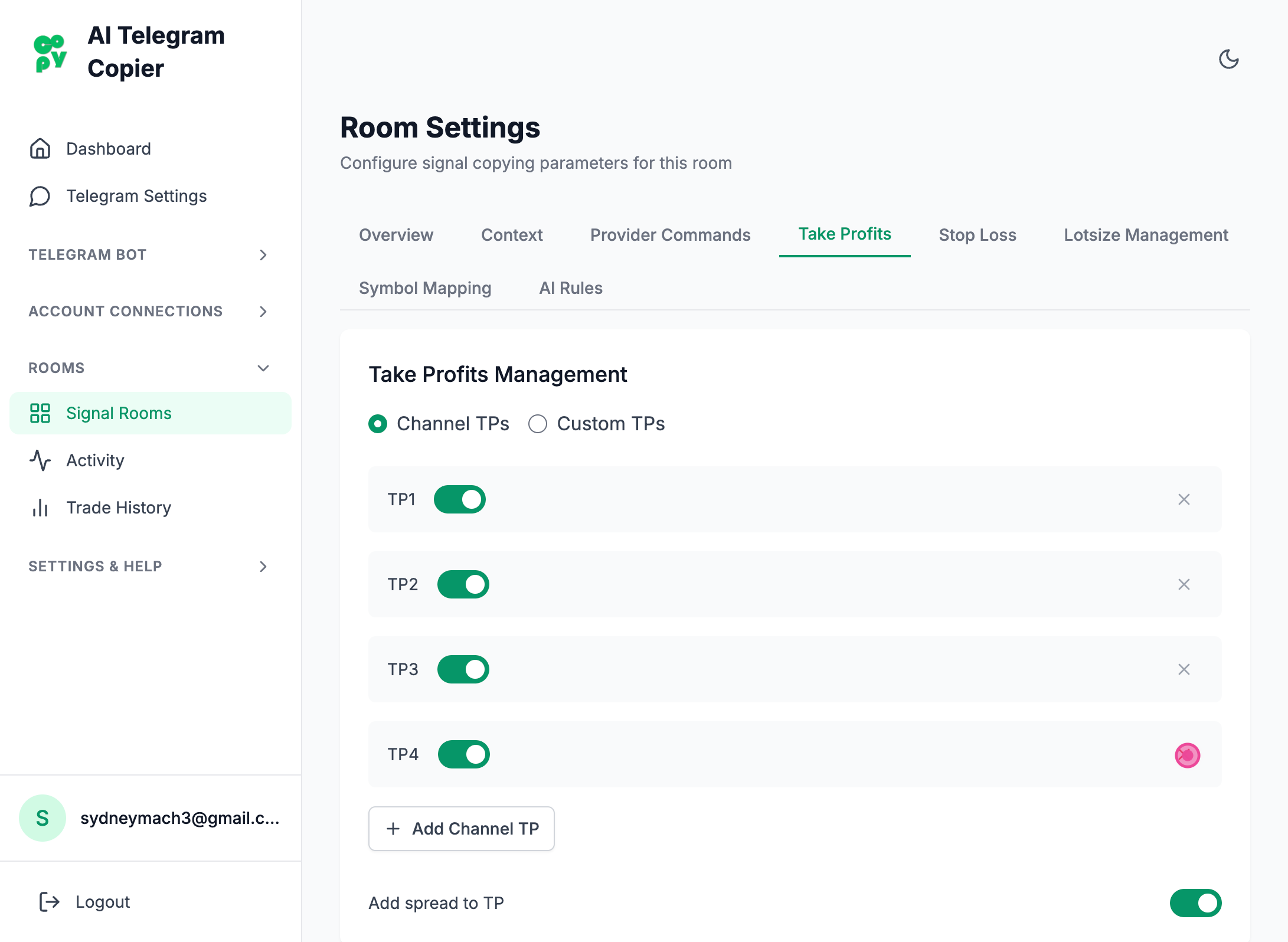
Steps captured by Screezi